Real user monitoring
Real user monitoring that reaches the backend
See how fast each page loads for real users, which browsers hit errors and where they rage-click. Each page links to the API requests behind it, so the AI SRE reads what the server received.
01 · Page performance
Core Web Vitals for every page
A Real User Monitoring dashboard shows sessions, page views, browser errors and P75 page load. The Web Vitals tab rates LCP, INP and CLS at P75 for each page as good, needs improvement or poor.
-
Vitals by page
LCP, INP and CLS per page with the sample count, so a slow checkout doesn't hide behind a fast homepage.
-
P75 over time
Watch a vital move after a release, and open the Explorer query behind any chart.
-
Top pages
Views and P75 load time for each page, sorted by traffic.
02 · Errors and frustration
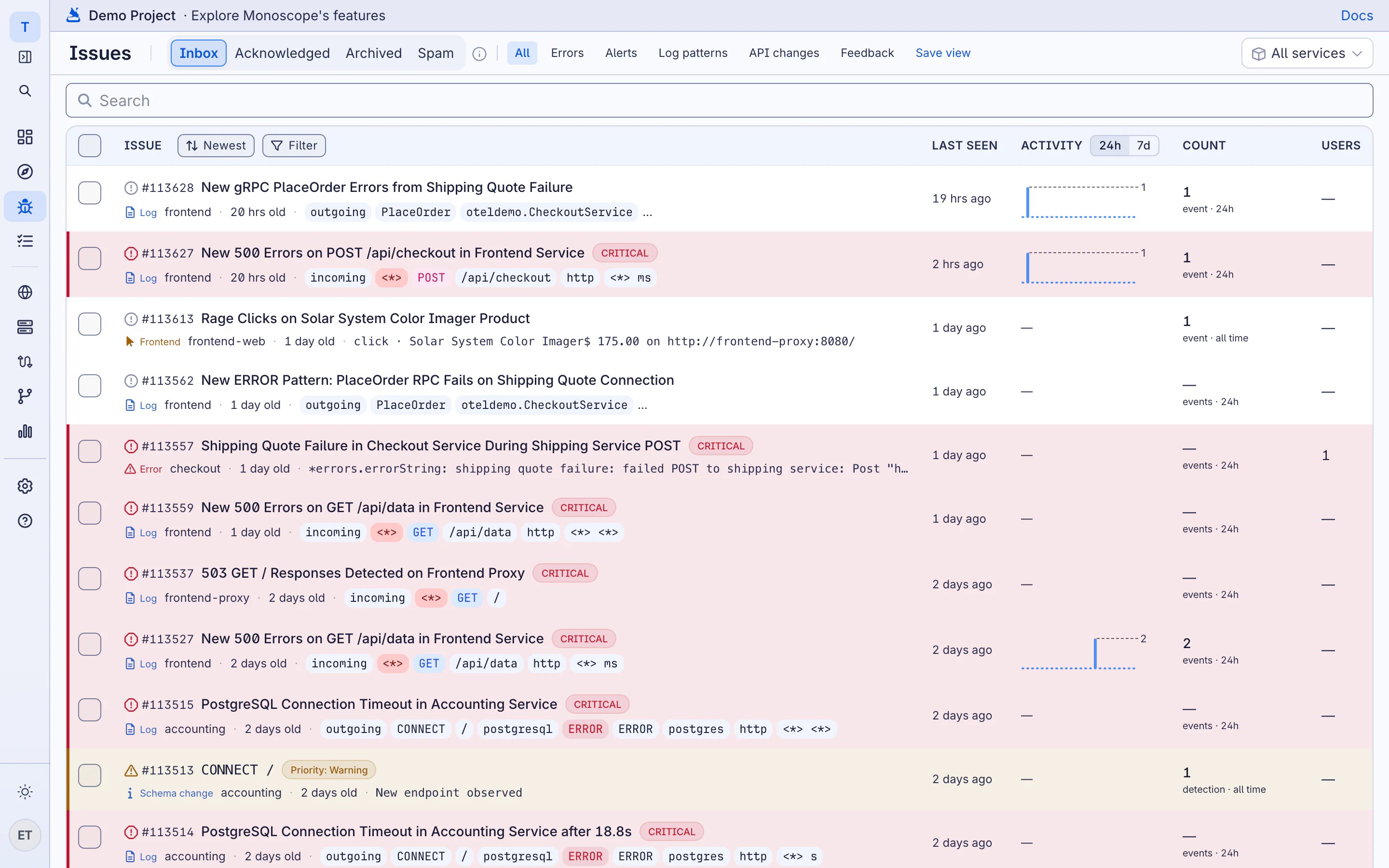
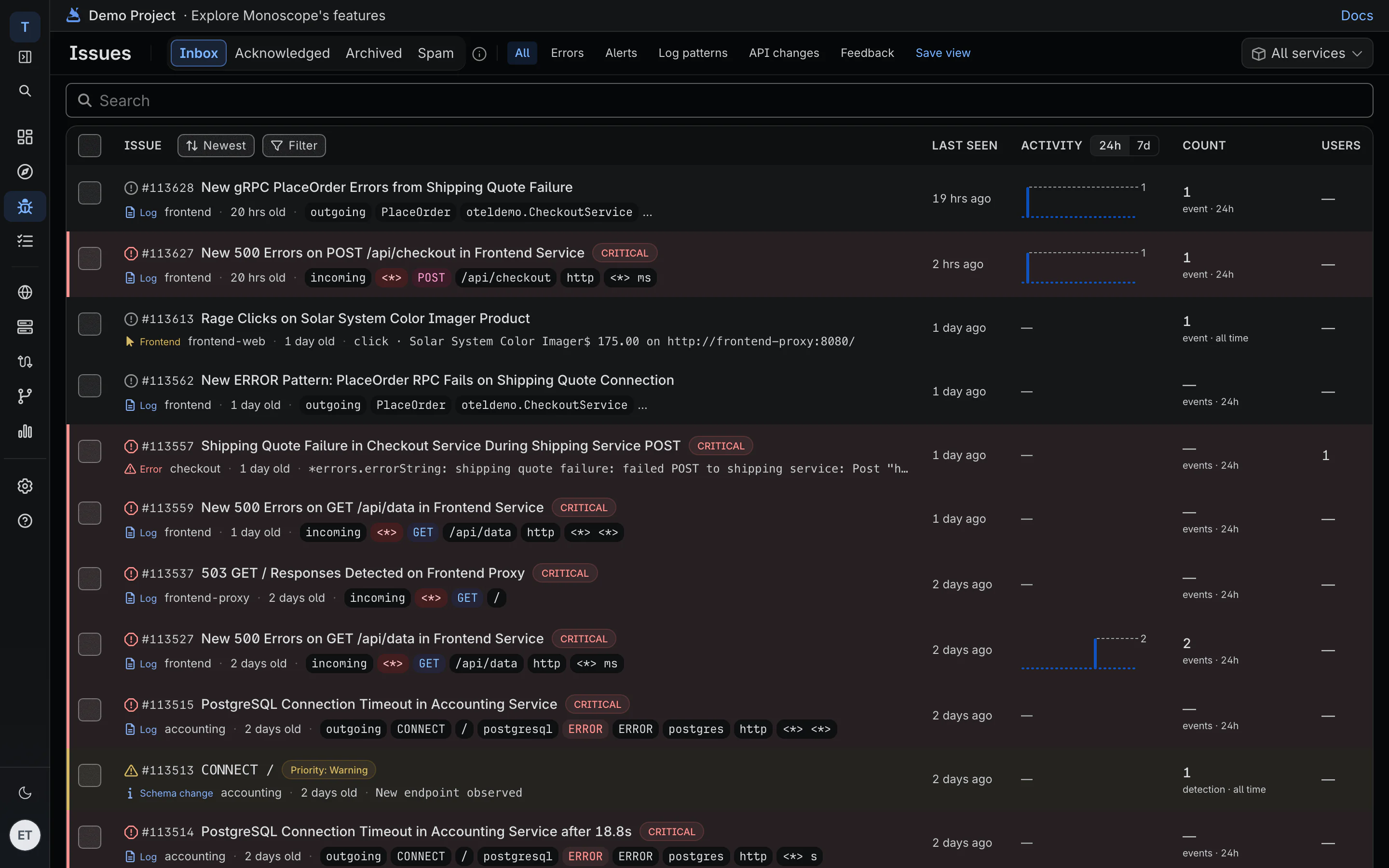
Browser errors, rage clicks and dead clicks become issues
Three or more clicks on one element within two seconds opens a rage-click issue. A click that changes nothing opens a dead-click issue. Browser errors are grouped with the sessions and users they hit.
-
Affected sessions and users
Each browser error shows how many sessions and identified users it reached, and when it was last seen.
-
Feedback with the error
Feedback your app records opens an issue, linked to the error on the same trace.
-
Alerts where you work
Frontend issues go to Slack, Discord, PagerDuty or email like any other issue.
03 · The request behind it
From the slow page to the slow request
The browser SDK propagates the trace to your API, so a page view, the fetch it made and the request your server handled share one trace, with the request and response bodies.
Browser SDK · propagate the trace to your API
import Monoscope from "@monoscopetech/browser";

const monoscope = new Monoscope({
  apiKey: "YOUR_API_KEY",
  serviceName: "web-checkout",
  propagateTraceHeaderCorsUrls: [/^https:\/\/api\.example\.com/],
});
-
One trace, browser to database
The click, the fetch, the API handler, the SQL query and the supplier call, in one waterfall.
-
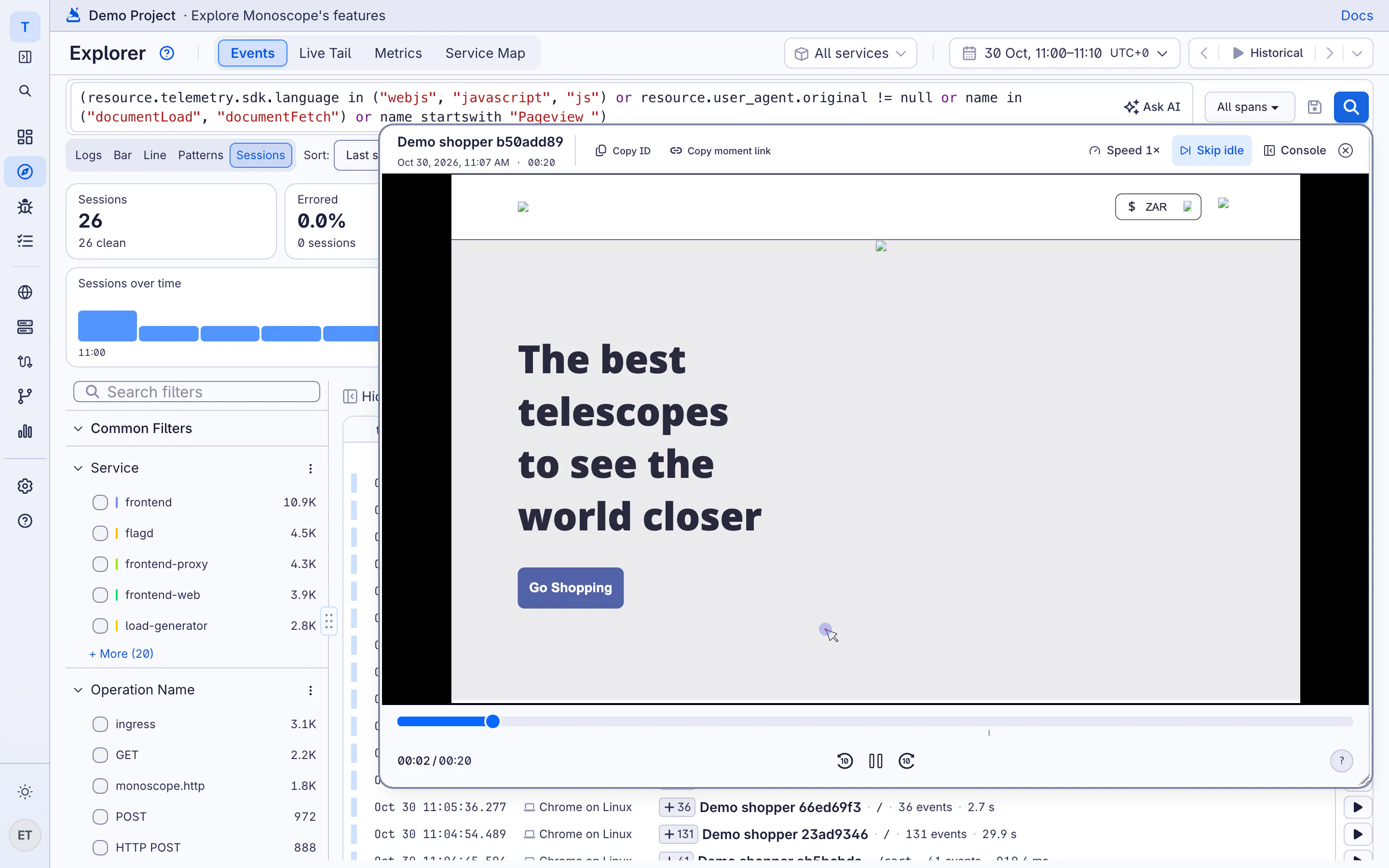
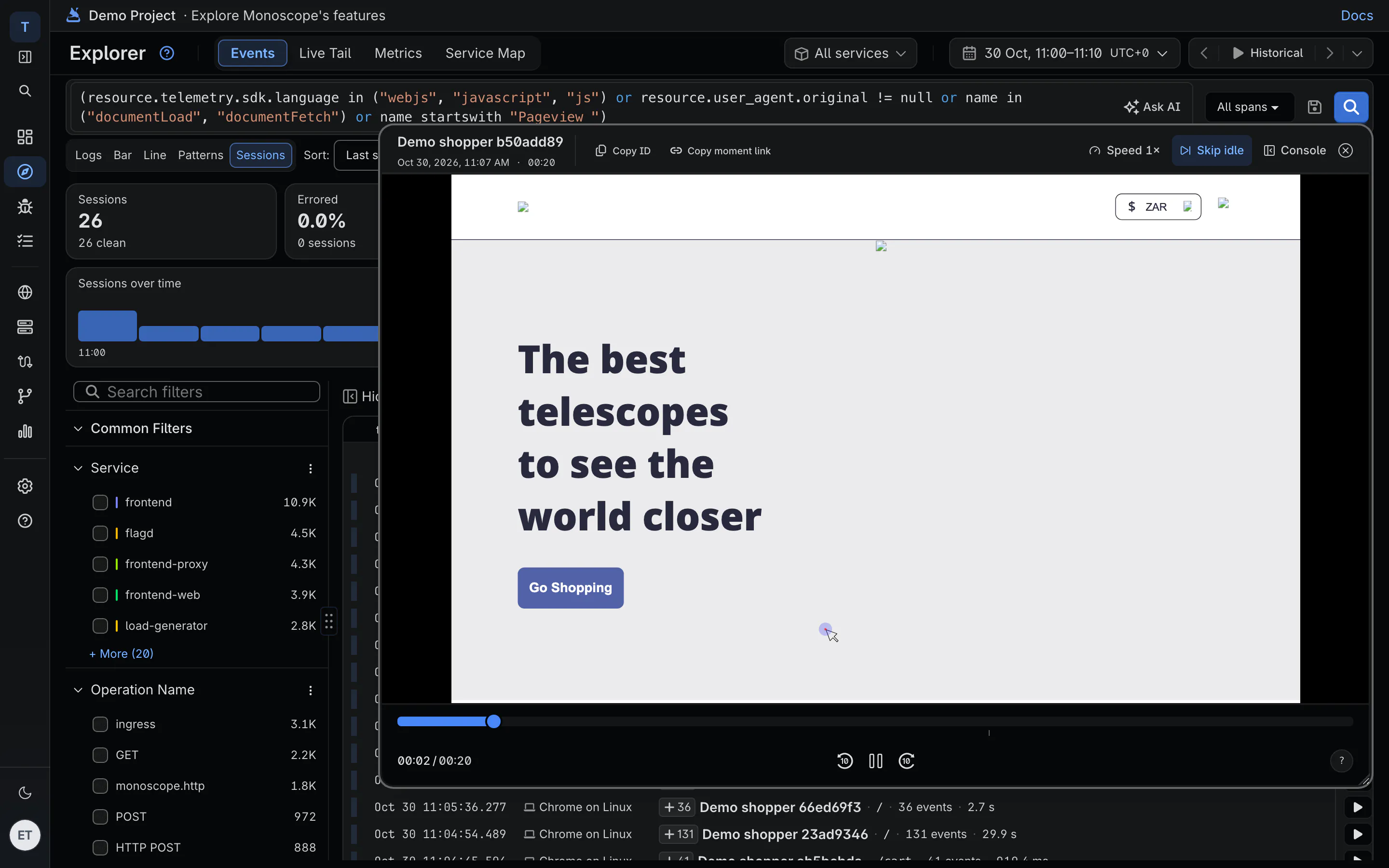
Replay the session
Watch what the user saw at the moment of the error, with the console in sync.
-
Who it happened to
Call setUser and sessions carry the user's ID and email, so you can answer the support ticket.
04 · Audience
Which browsers, systems and devices it breaks for
Break sessions down by browser, operating system and device, with the error rate for each. Save a filter such as Safari on iOS, sessions with errors, and reopen it in one click.
-
Session error rate
The share of sessions with an error, overall and per browser, OS and device.
-
Masked by default
Inputs are masked in the browser before anything is sent.
-
Priced per event and replay
Page views and errors count as events. Cloud includes 2,000 replays a month, then $1 per 1,000.
Questions
What do I need to install?
The monoscope browser SDK in your web app. It sends page views, Web Vitals, errors and session replays. Your backend can use any OpenTelemetry SDK.
Does it slow my site down?
The SDK sends data in batches. Lower replaySampleRate if you only want replays for a share of sessions; page views, vitals and errors are recorded either way.
Is this the same as session replay?
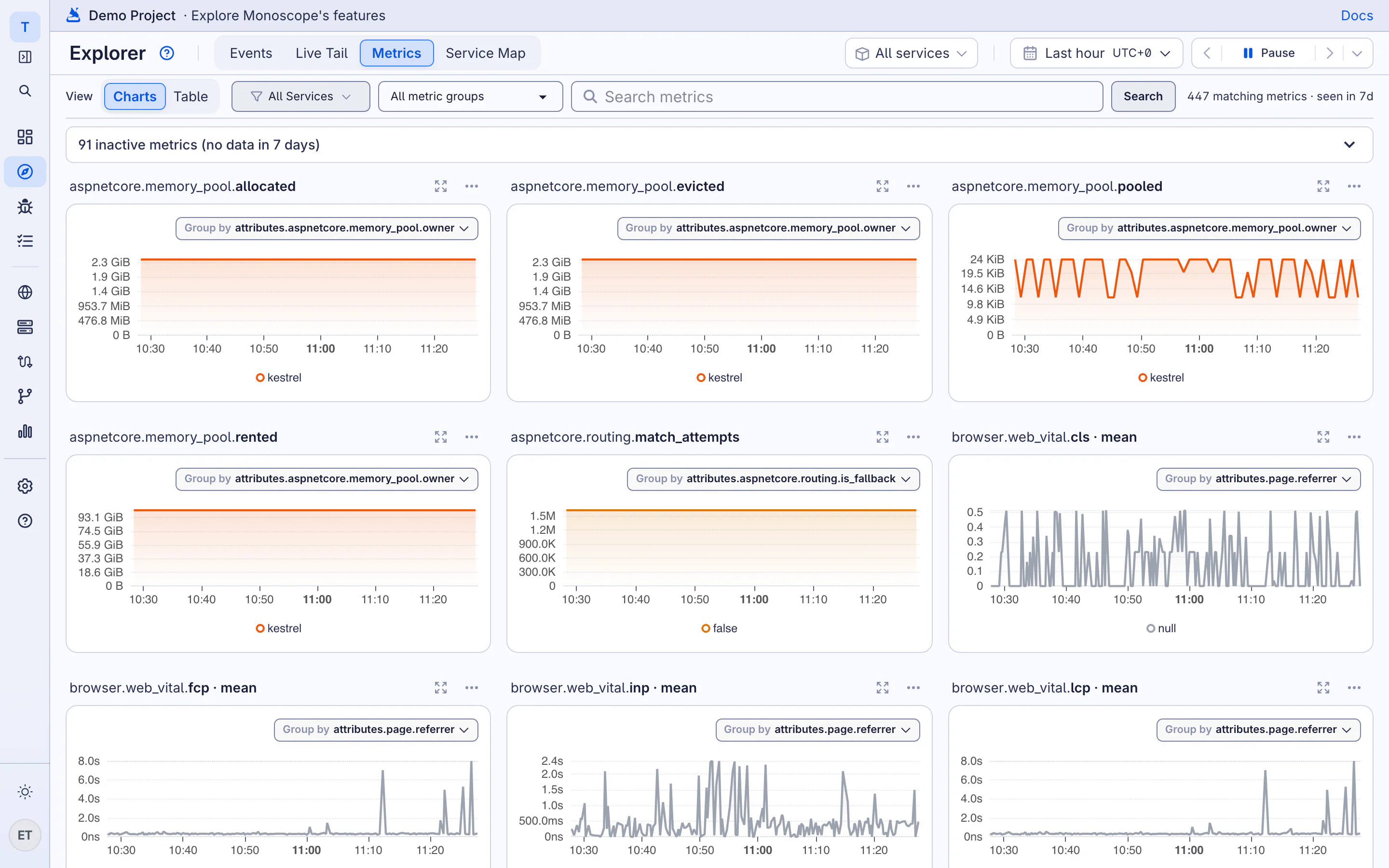
Replay is one part. Real user monitoring adds Web Vitals, page performance, browser errors, rage and dead clicks, and audience breakdowns.