
Logs & traces
Every log, span and request, with its body
Search logs, traces and API calls in one place. Open any request to see its headers, body and response, then the trace and logs around it.
01 · The exact request
The body a sampled trace doesn't keep
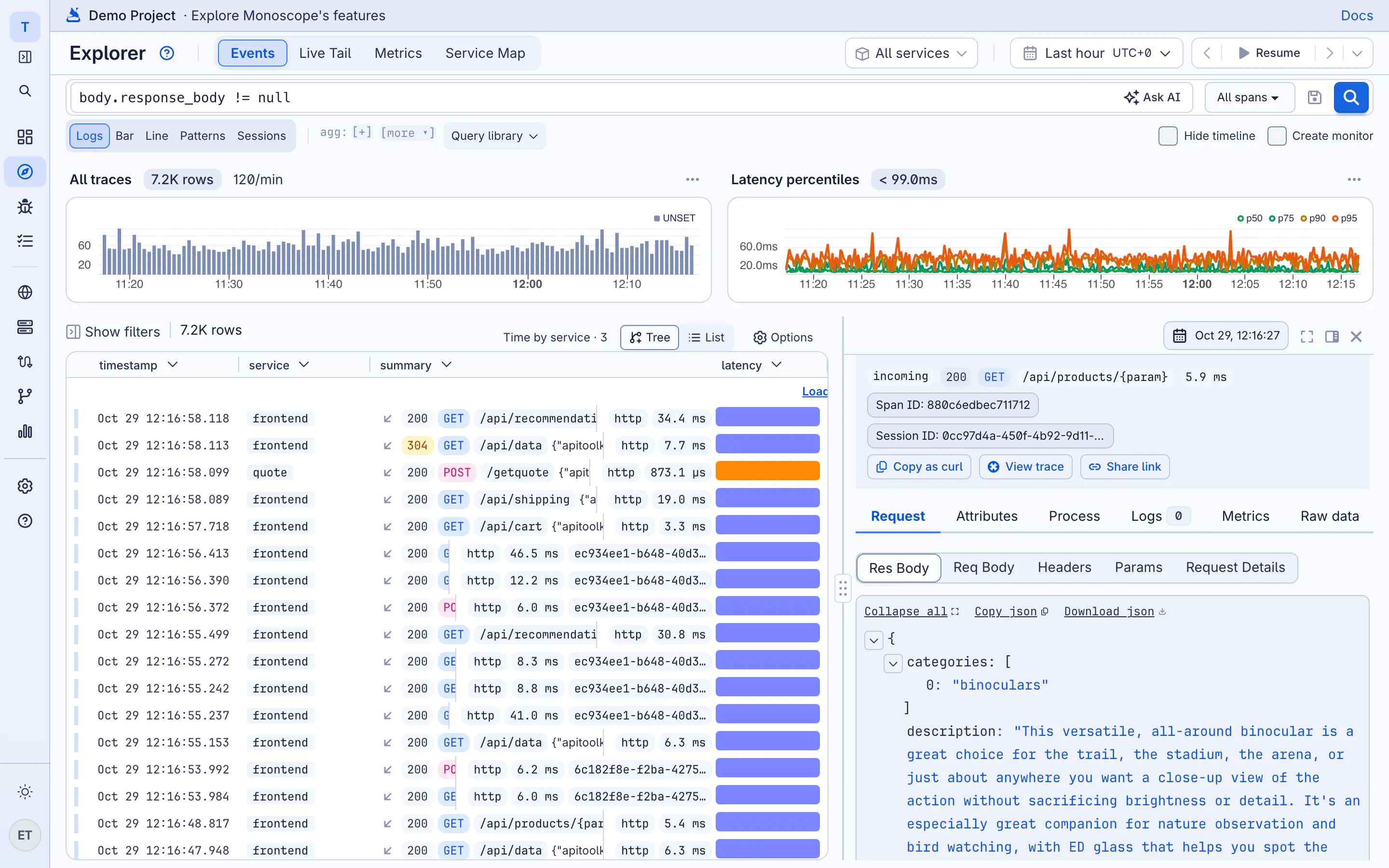
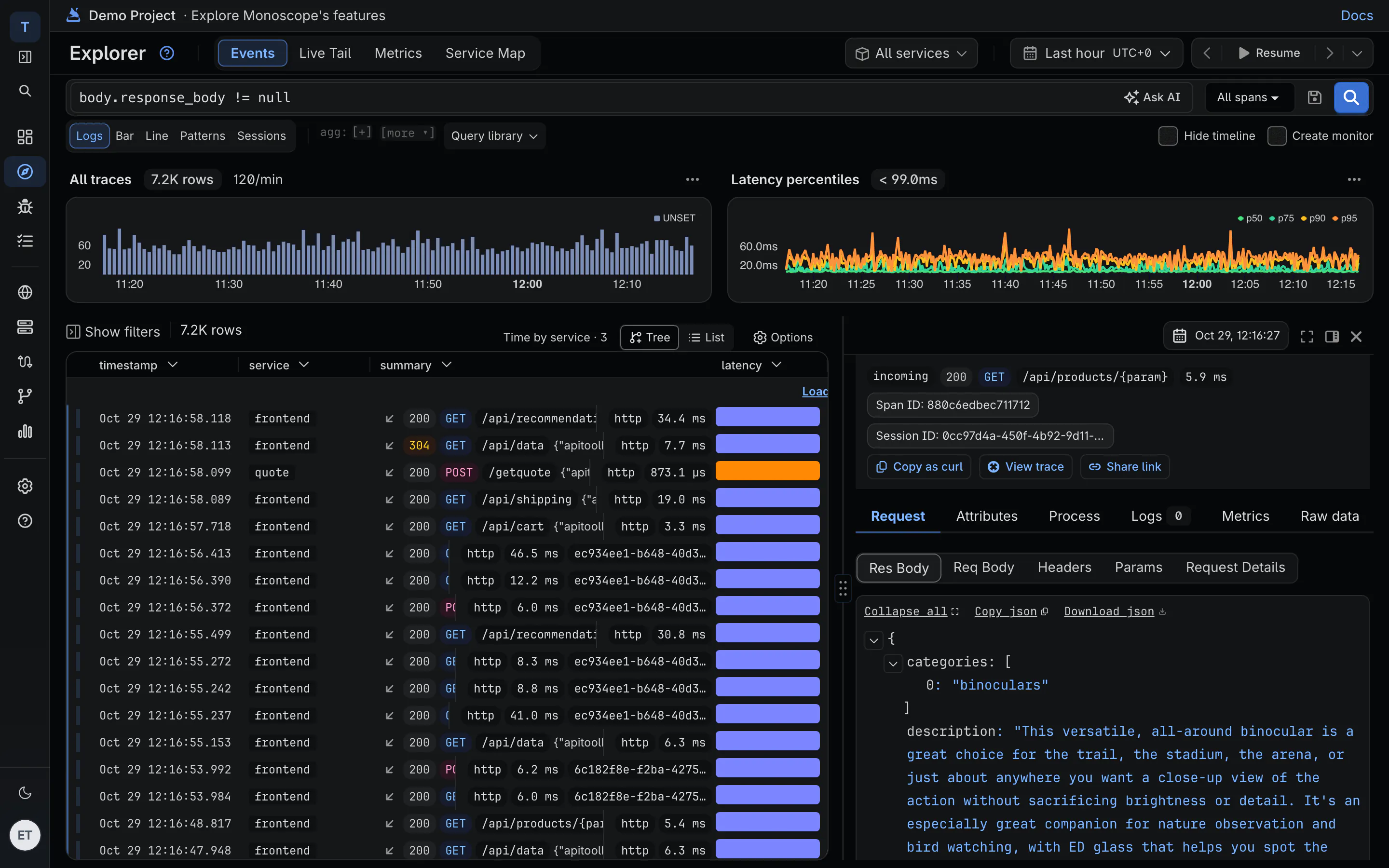
A span tells you POST /v1/payments took 3.4 seconds and returned 502. Open the same row in monoscope and you get the request body you sent and the response body that came back.
-
Headers, body and response
Incoming requests and the calls you make to suppliers, with bodies, exactly as they were sent.
-
Calls to other APIs, too
Payment, logistics and KYC calls sit next to your own traffic, on the same trace.
-
Redacted before it leaves
The SDK strips the headers and body fields you list, such as $.password, inside your app.
02 · One query language
Ask in English, or write the query
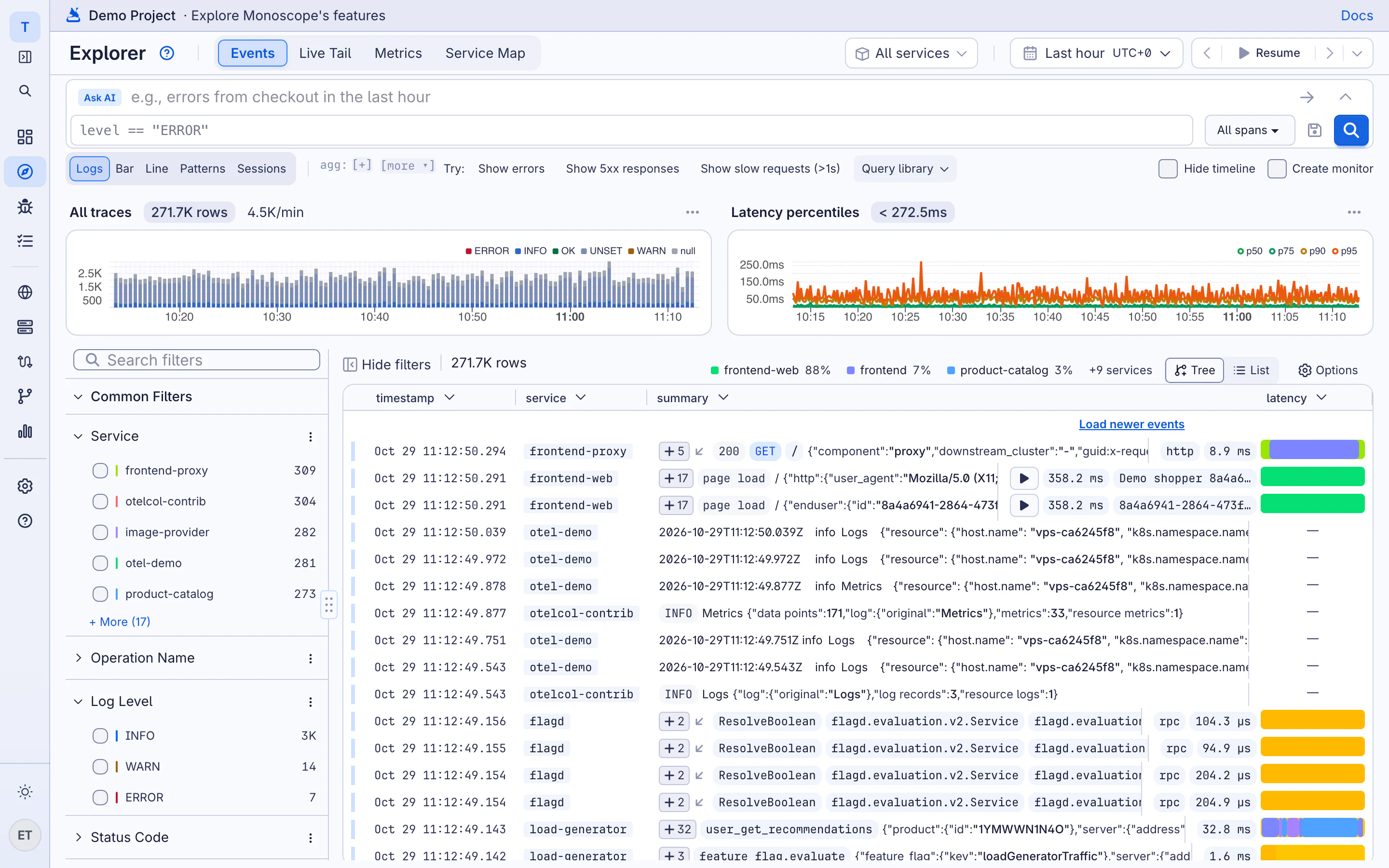
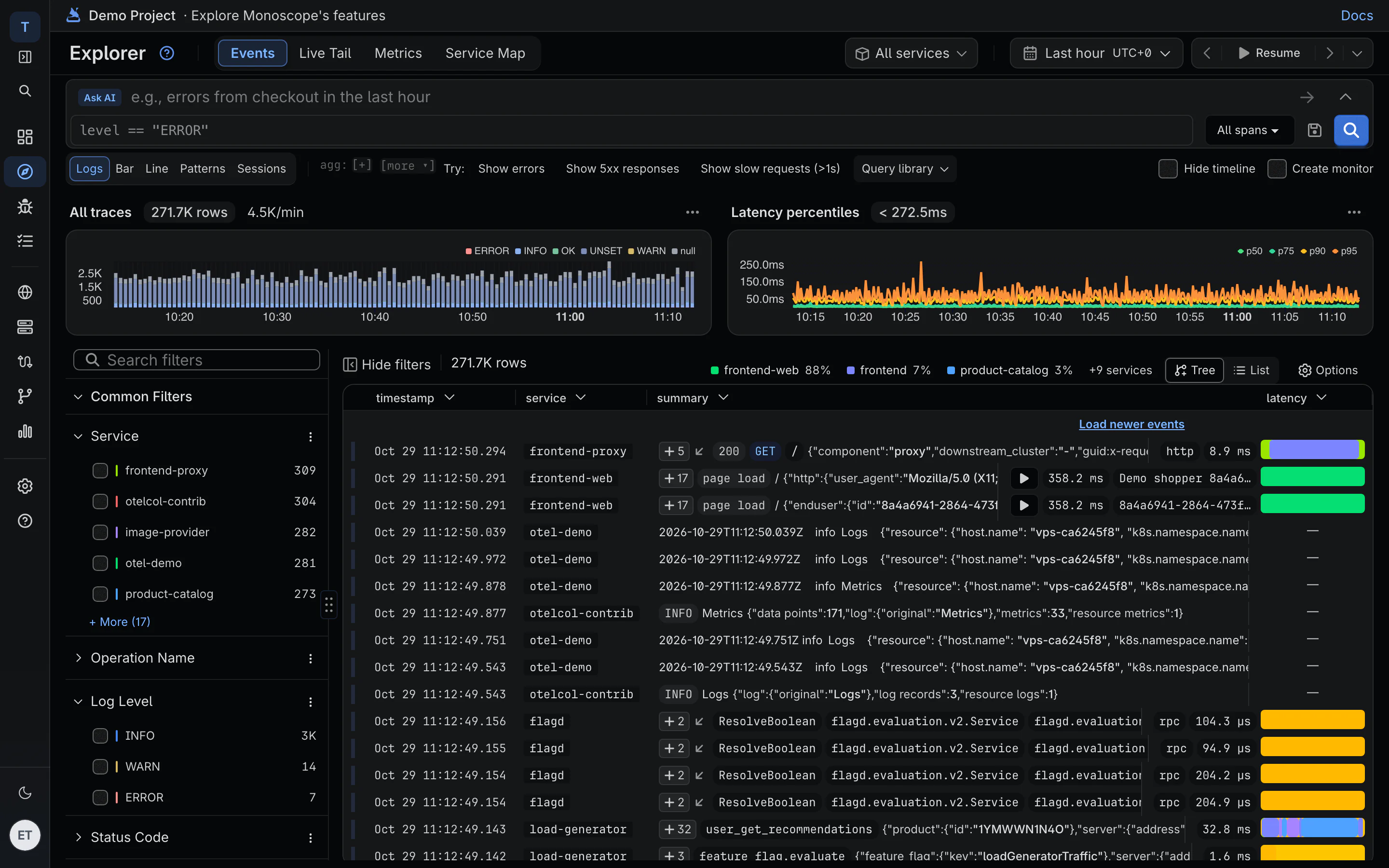
Type what you're looking for and monoscope writes the KQL for you. Edit it, or write your own. The same query runs in the Explorer, dashboard widgets, monitors, the CLI and the MCP server.
KQL · server errors per service in the last hour
spans
| where attributes.http.response.status_code >= 500
    and timestamp >= ago(1h)
| summarize count() by resource.service.name
| sort by count_ desc
-
Plain English in, KQL out
“product-catalog errors since the deploy” becomes a query you can read and change.
-
Facets on every field
Service, status code, route, host: click a value to filter, see the counts before you do.
-
Patterns, not 40,000 lines
Similar log lines are grouped into patterns, so the new one stands out.
-
Saved and recent queries
Save the queries your team runs every incident; your recent ones are kept for you.
03 · Traces
Follow one request through every service
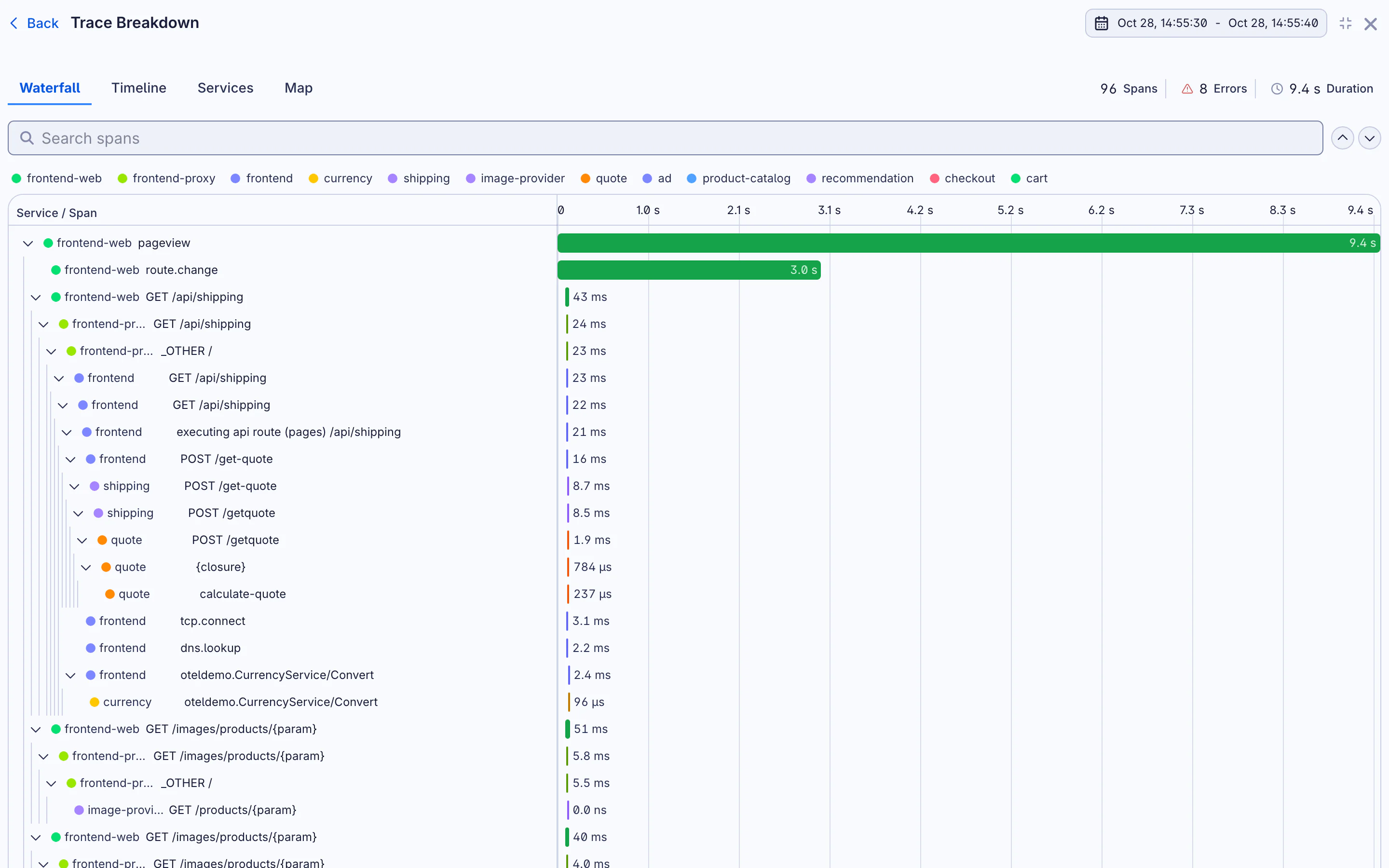
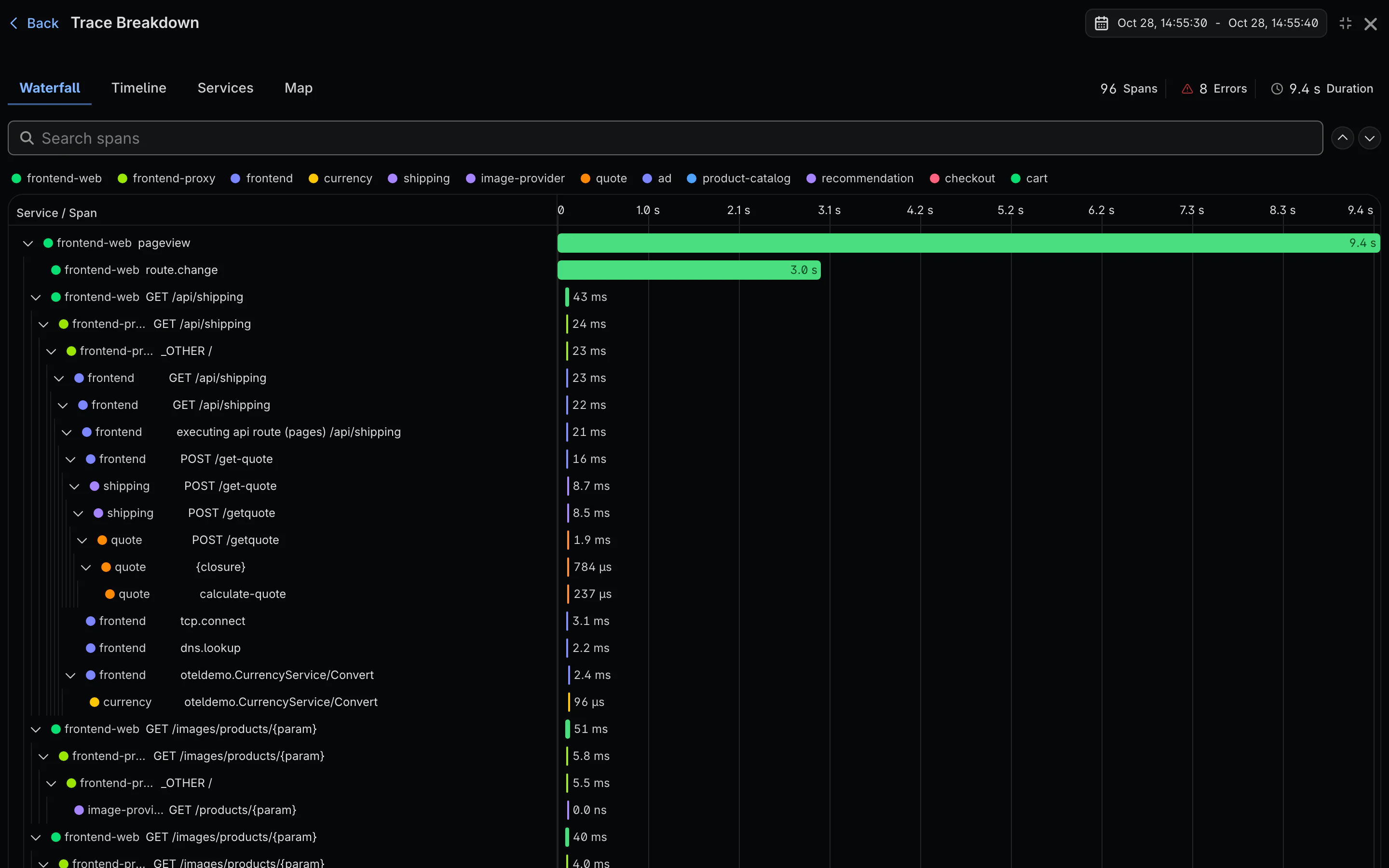
Open a trace to see each span in a waterfall, with the database queries, outgoing calls and log lines it produced. Switch to a timeline, a per-service breakdown or a map of the services it touched.
-
Waterfall and timeline
Where the 3.4 seconds went: the slow SQL, the retry, the supplier that took two seconds to answer.
-
Logs inside the trace
Every log line written during the request, in order, next to the span that wrote it.
-
Share the evidence
A read-only link to the request opens for anyone for 48 hours, no account needed.
04 · Live tail
Watch a deploy as it happens
Turn on live tail and new logs and spans stream in as they arrive, filtered by the query you're already running.
-
Filtered as it streams
Tail one service, one route or one customer, not the firehose.
-
Built on OpenTelemetry
Any OpenTelemetry SDK or collector works, across 780+ integrations. Switching from Datadog is an exporter change.
-
Kept, not sampled
Paid plans keep every event. Request bodies don't count toward your bill.
Questions
Do you sample my data?
Not on paid plans: every log, span and request is kept. The free plan covers 10k events a day; past that, it keeps a share of traffic spread across the day, and traces with errors are kept whole.
Do request and response bodies cost extra?
No. An event is priced the same with or without its body. Cloud is $29 a month for 20M events, then $1 per million.
How do I capture bodies?
Our SDKs for Node.js, Python, Go, PHP, Java, .NET and Elixir capture request and response bodies, with redaction. Plain OpenTelemetry gives you logs and traces without bodies.
Is it KQL as in Azure Data Explorer?
It's a subset of KQL: where, summarize, extend, project, sort and take, with percentiles, counter rates and time bins. The reference lists every operator we support.
How long is data kept?
30 days on Free and Cloud. Connect your own S3 bucket for unlimited retention.