APM
Application performance monitoring down to the slow request
Latency, throughput, error rate and Apdex for every service and endpoint, from your OpenTelemetry traces. Click a p95 spike and the AI SRE reads the slow request itself: its trace, its queries and its body.
01 · Per endpoint
Golden signals for every service and route
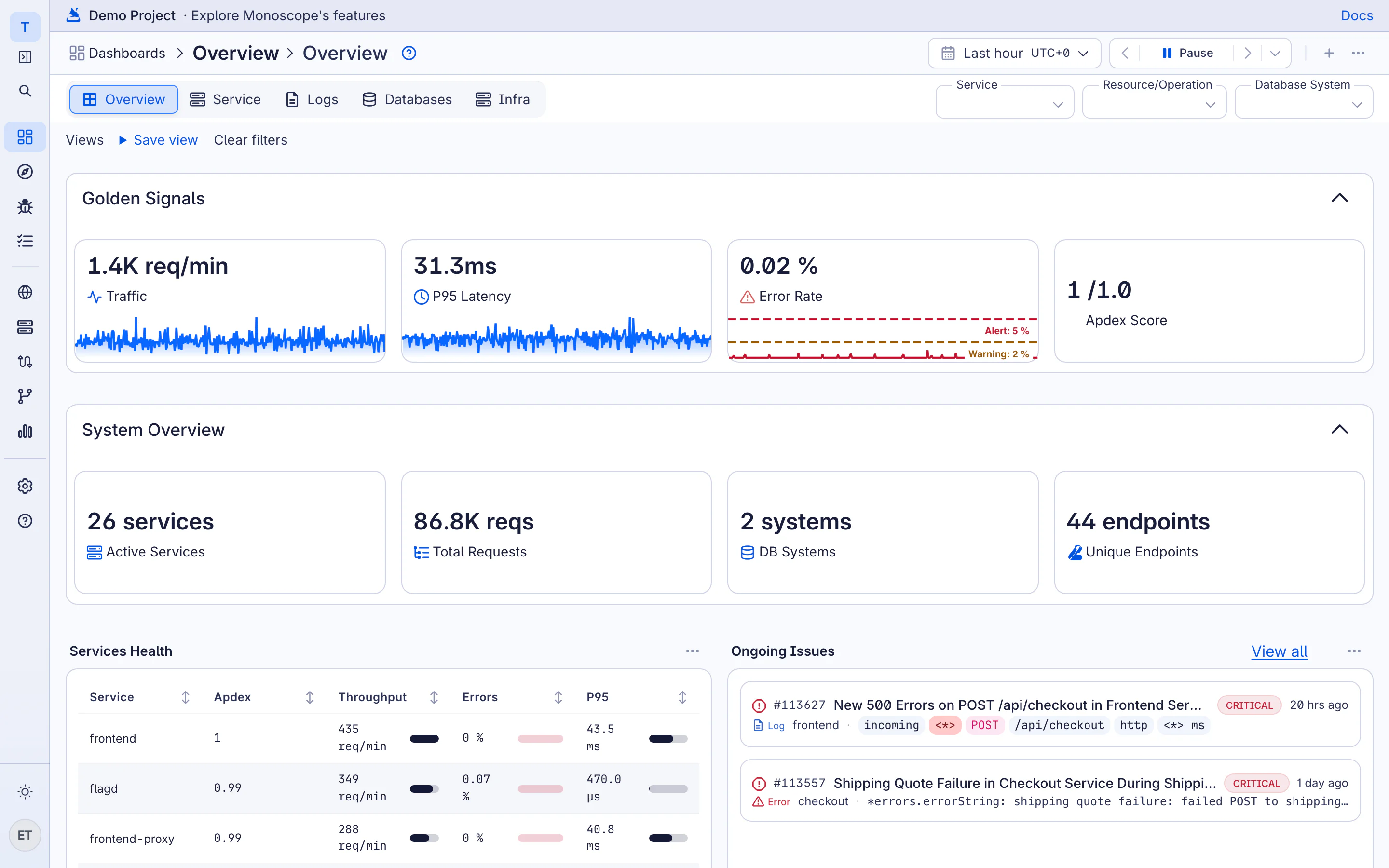
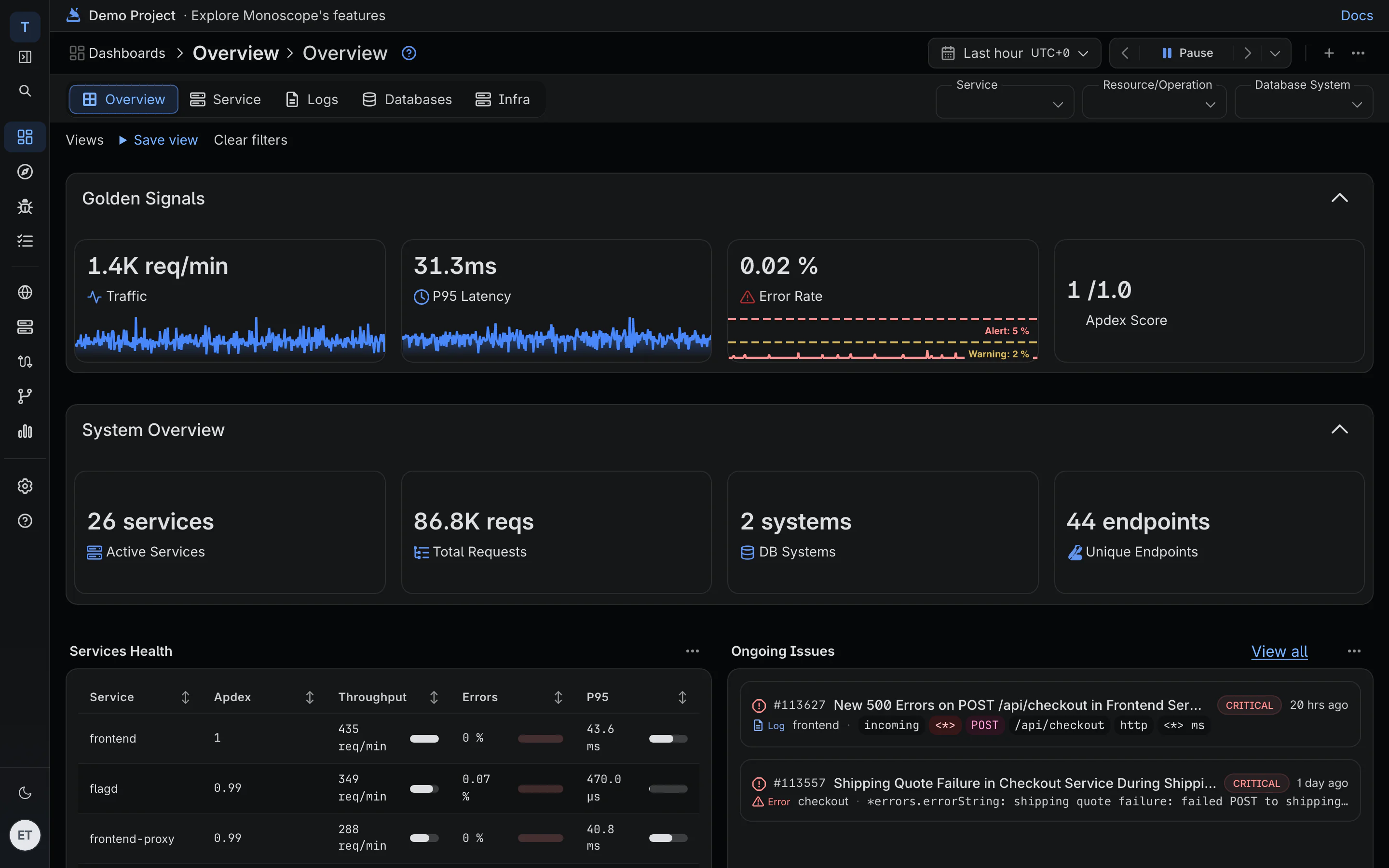
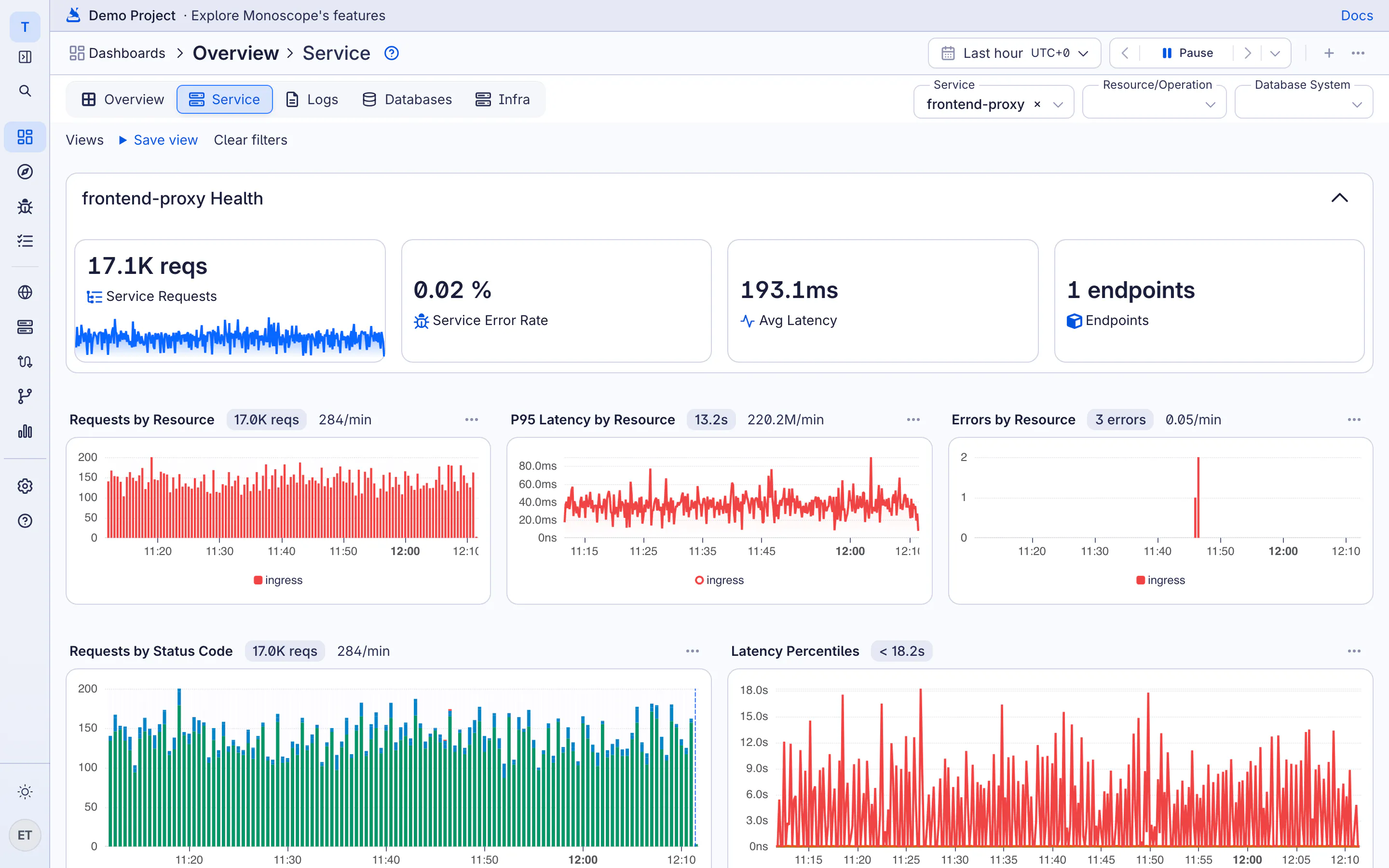
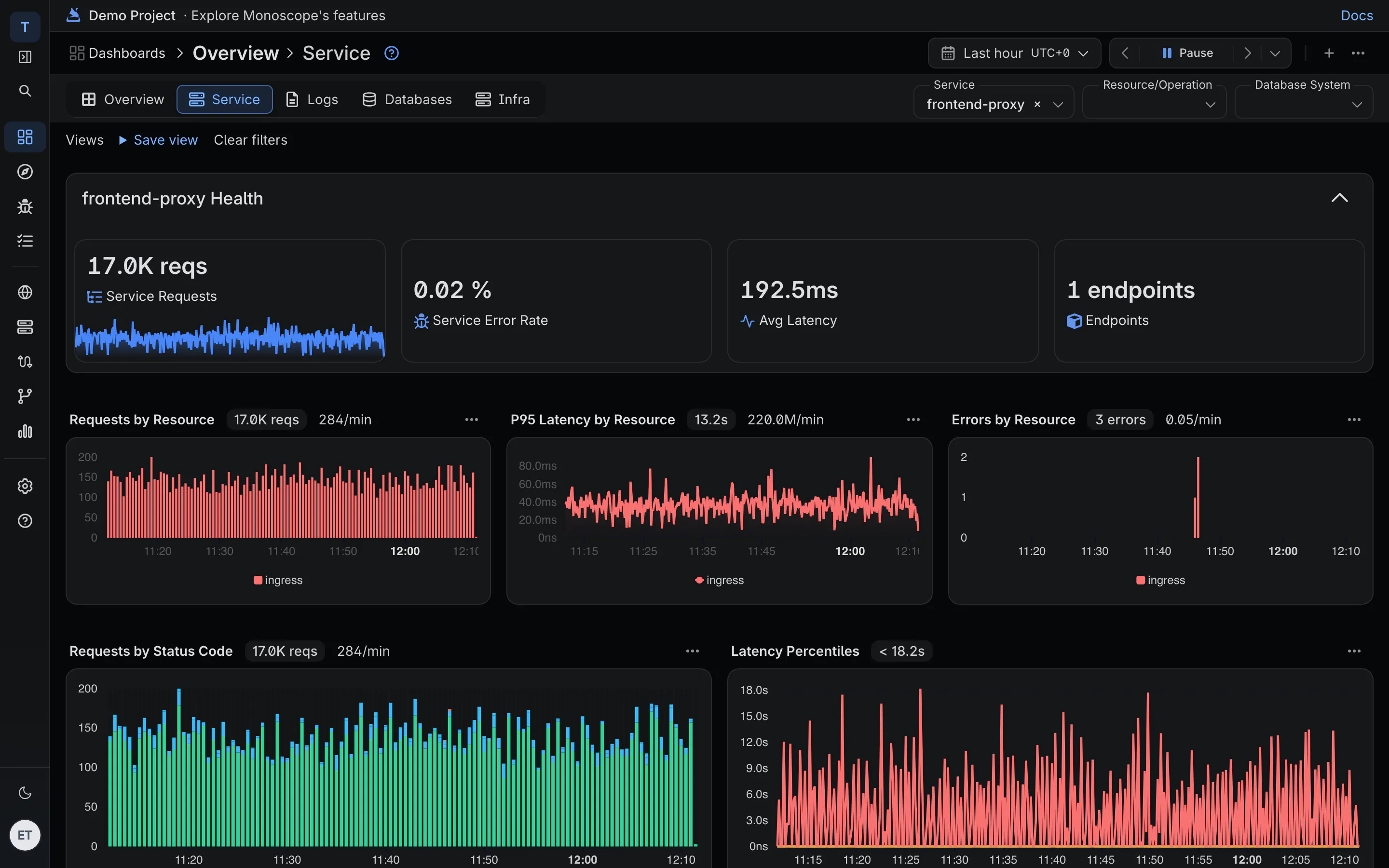
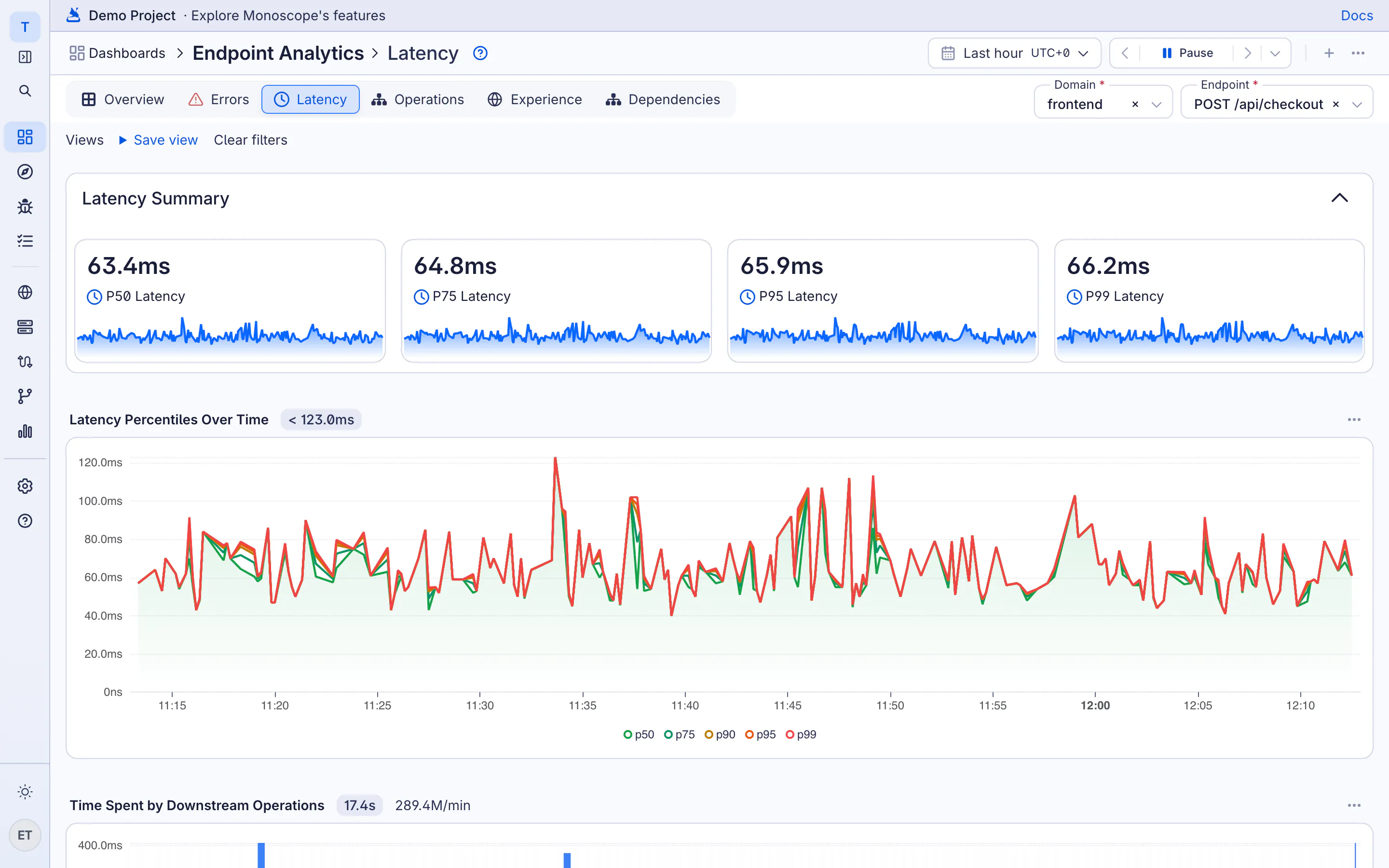
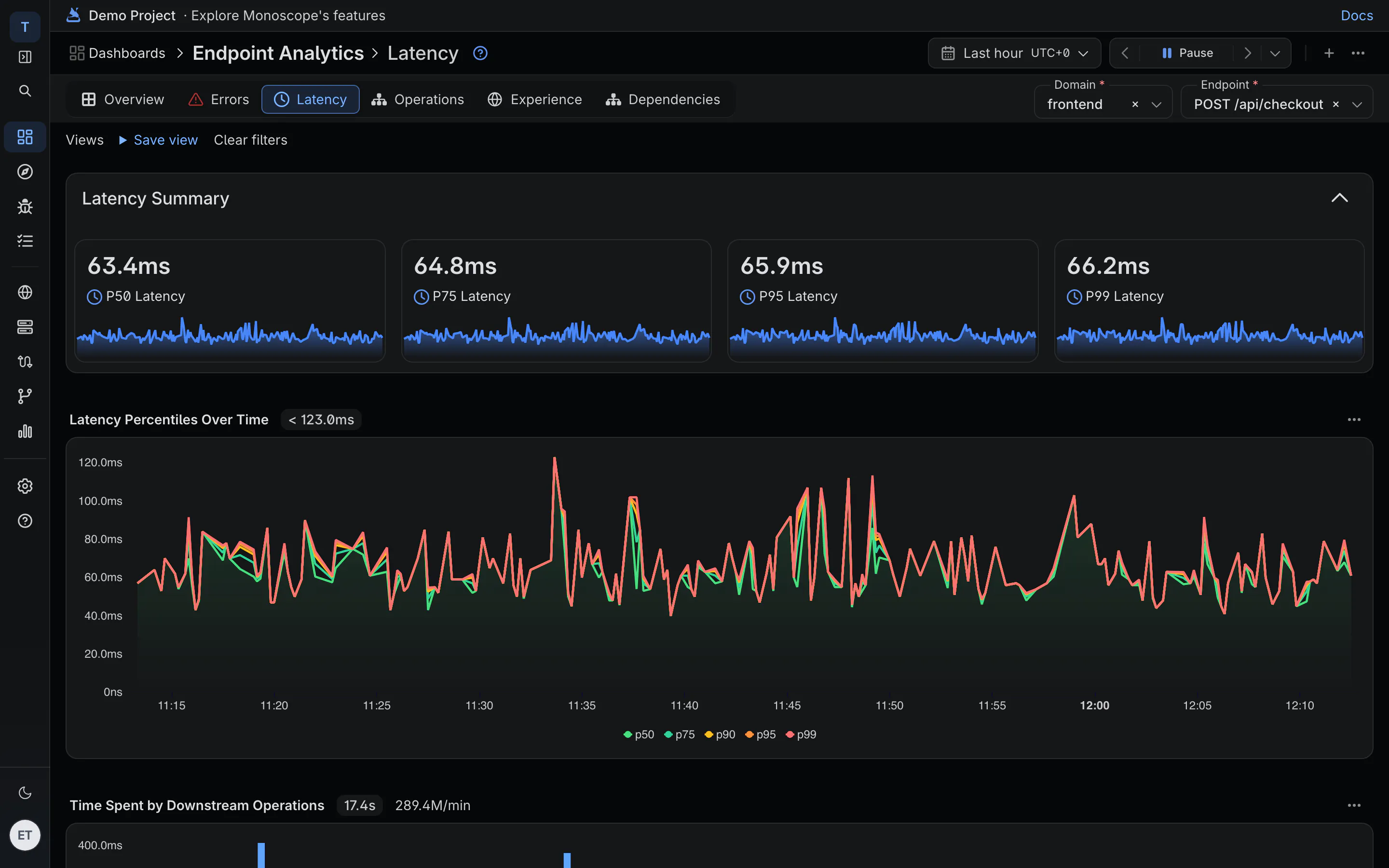
The Overview dashboard reads your traces and shows traffic, p95 latency, error rate and Apdex per service. Pick a service and each endpoint gets the same breakdown.
-
p50 to p99
Latency percentiles over time for each endpoint, with requests by status code beside them.
-
Apdex per service
Requests under 500 ms count as satisfied, under 2 s as tolerating, so one number tracks how it feels.
-
Where the time goes
Time spent in each downstream operation: the SQL query, the cache call, the supplier API.
02 · The slow request
From the p95 line to the request that set it
Each endpoint lists its slowest traces. Open one and you see where 3.4 seconds went, span by span, with the request and response body that made it slow.
-
Waterfall per request
Every span across services, with database queries, retries and outgoing calls in order.
-
The payload that was slow
A 4 MB cart or a search with 900 filters shows in the body, not only in the duration.
-
Suppliers on the same trace
Calls to payment, shipping and KYC APIs are timed and kept next to your own spans.
03 · Database performance
N+1 queries and slow queries become issues
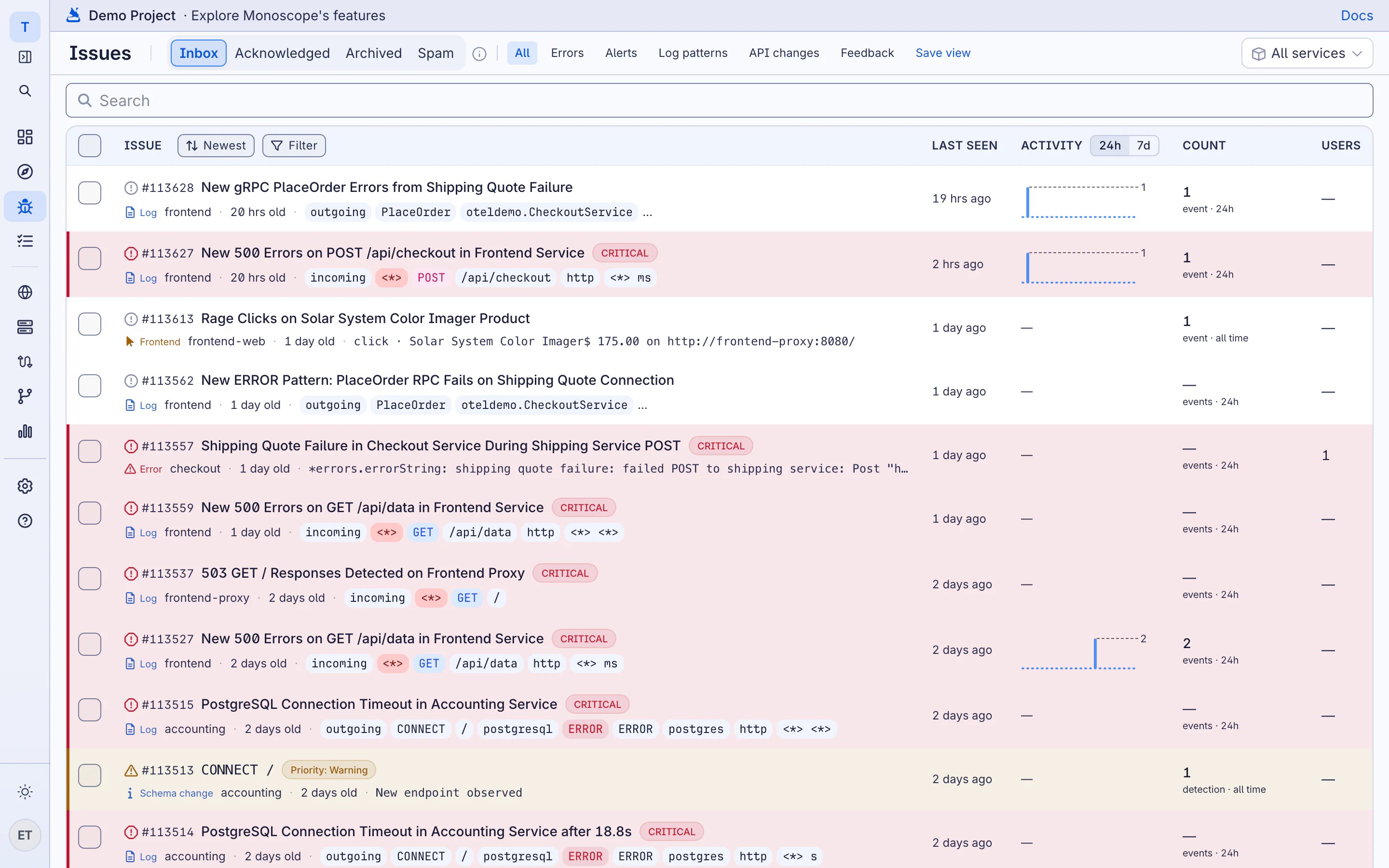
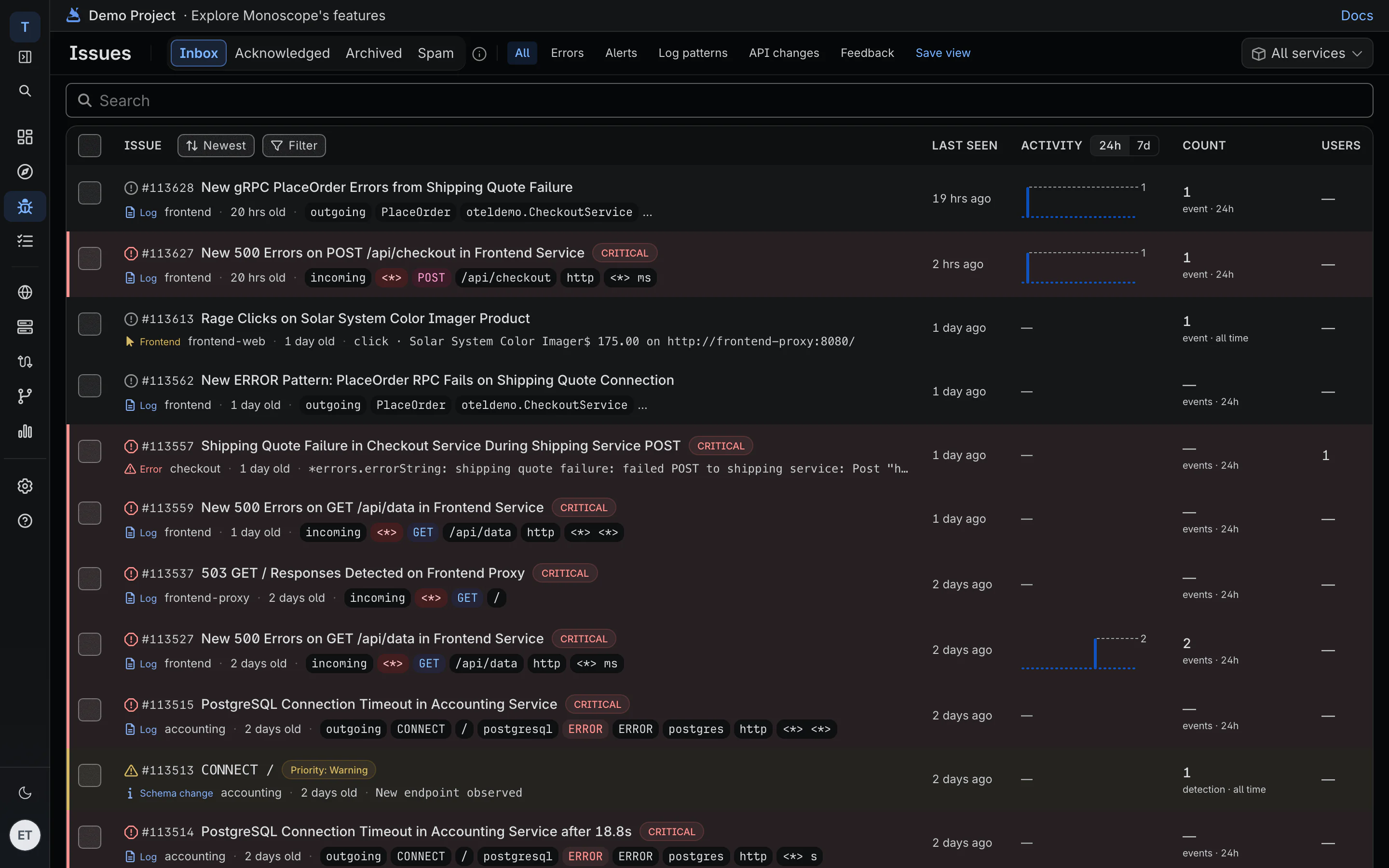
Every hour monoscope looks for the same query repeated inside one request and for queries that take too long. Each one opens an issue with the endpoint it ran under, how often it repeated and the time it cost.
-
N+1 detection
The repeated query, normalized, with the parent span and the root endpoint that issued it.
-
Slow queries
The query, the database system and the latency it added, linked to an example trace.
-
One issue per query
The same slow query across thousands of requests is one issue with a count.
04 · AI SRE
Regressions found before the dashboard is open
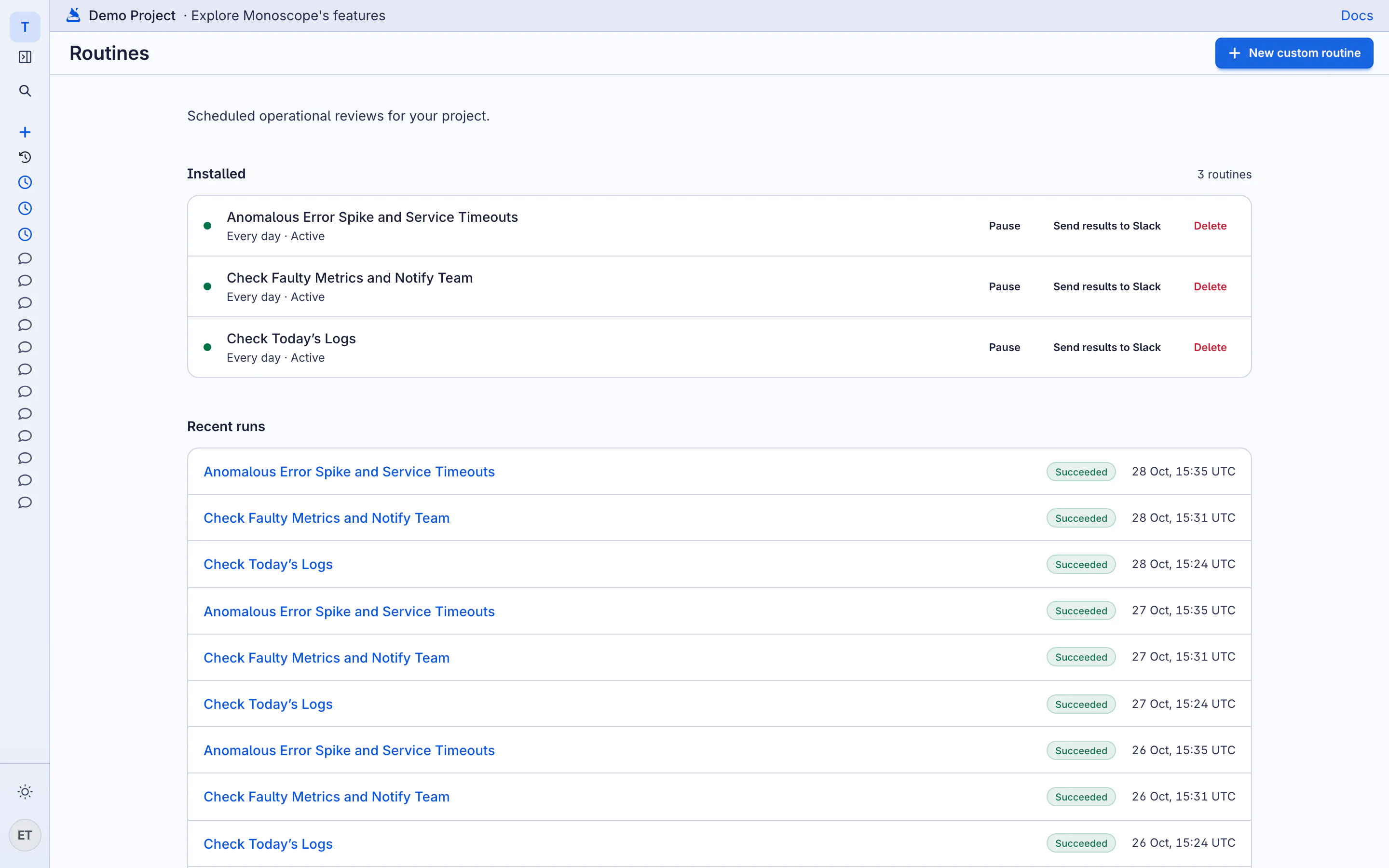
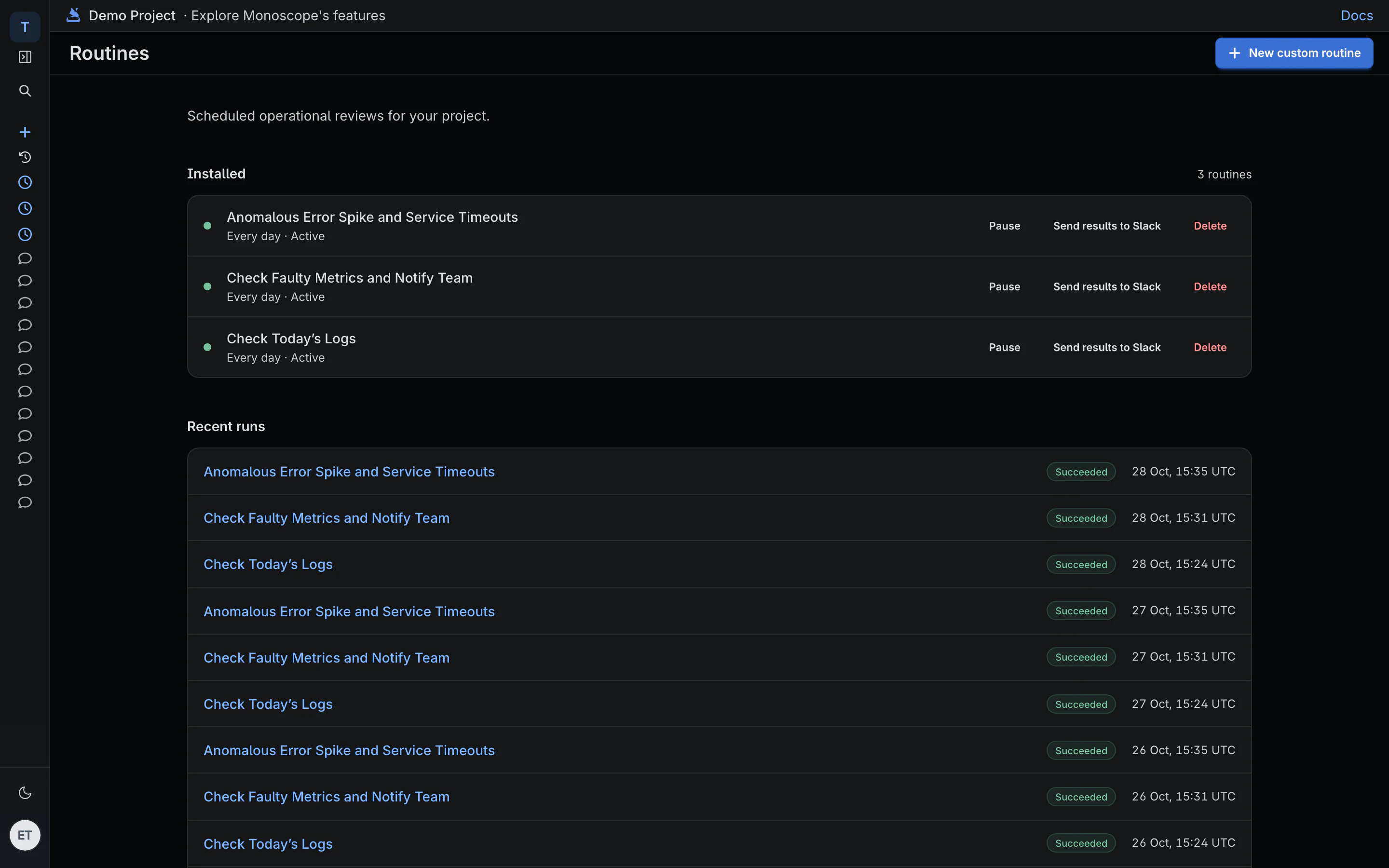
Routines compare each hour with its baseline and post to Slack when something got slower, with the queries and traces behind the finding. They stay quiet when nothing qualifies.
-
Slow endpoint watch
Endpoints whose p95 or p99 got materially worse than usual, with enough traffic to be credible.
-
Dependency degradation digest
Downstream services, databases and APIs that got slower or started failing, and who calls them.
-
Deployment regression review
Errors and latency before and after each new service version, once a day.
Questions
Do I need a monoscope agent on every host?
No. APM comes from OpenTelemetry traces, from our SDKs or any OpenTelemetry SDK. There's no per-host agent and no per-host fee.
How is APM priced?
Per event. A span is one event. Free for 10k events a day; Cloud is $29 a month for 20M events, then $1 per million.
Are traces sampled?
Not on Cloud: every span you send is kept for 30 days, so the slow request you're looking for is there. The free plan covers 10k events a day.
Which languages are supported?
Any language with an OpenTelemetry SDK. Our SDKs for Node.js, Python, Go, PHP, Java, .NET and Elixir also capture request and response bodies.
How does this compare to Datadog APM?
Both give you service and endpoint latency, error rates and traces. monoscope keeps the request and response bodies with each trace, prices per event instead of per host, and is open source.