

Get Started
Send your first logs, traces and requests to monoscope in about five minutes. You create an account, get an API key, and connect your application. The free plan includes 10k events a day and needs no credit card.
Before You Start
- An application, service or server that you can change and restart.
- For the coding-agent path: Claude Code, Cursor, Codex, Cline or another agent that supports skills.
- For the CLI: macOS or Linux.
1. Create an Account
- Go to app.monoscope.tech.
- Sign up with Google, GitHub or an email address and password.
monoscope creates your first project and opens the project setup.
2. Set Up Your Project
The setup has five short steps. You can change every answer later in Settings.
- About you. Enter your name, your company and the size of your team.
- Configure your project. Select where monoscope stores your data (USA, EU or Asia). Then select the features that you plan to use.
- Notifications. Connect Slack or Discord, or enter email addresses and a phone number for alerts. You can also invite team members from this step. This step is optional.
- Instrument your apps or servers. This step shows your API key and setup guides for each stack. Keep this page open for step 4.
- Pick a plan. Select the free plan or a paid plan.
3. Get Your API Key
Every project gets an API key when you create it. The setup shows this key in step 4. To see it later, or to make more keys, open Settings > API Keys.
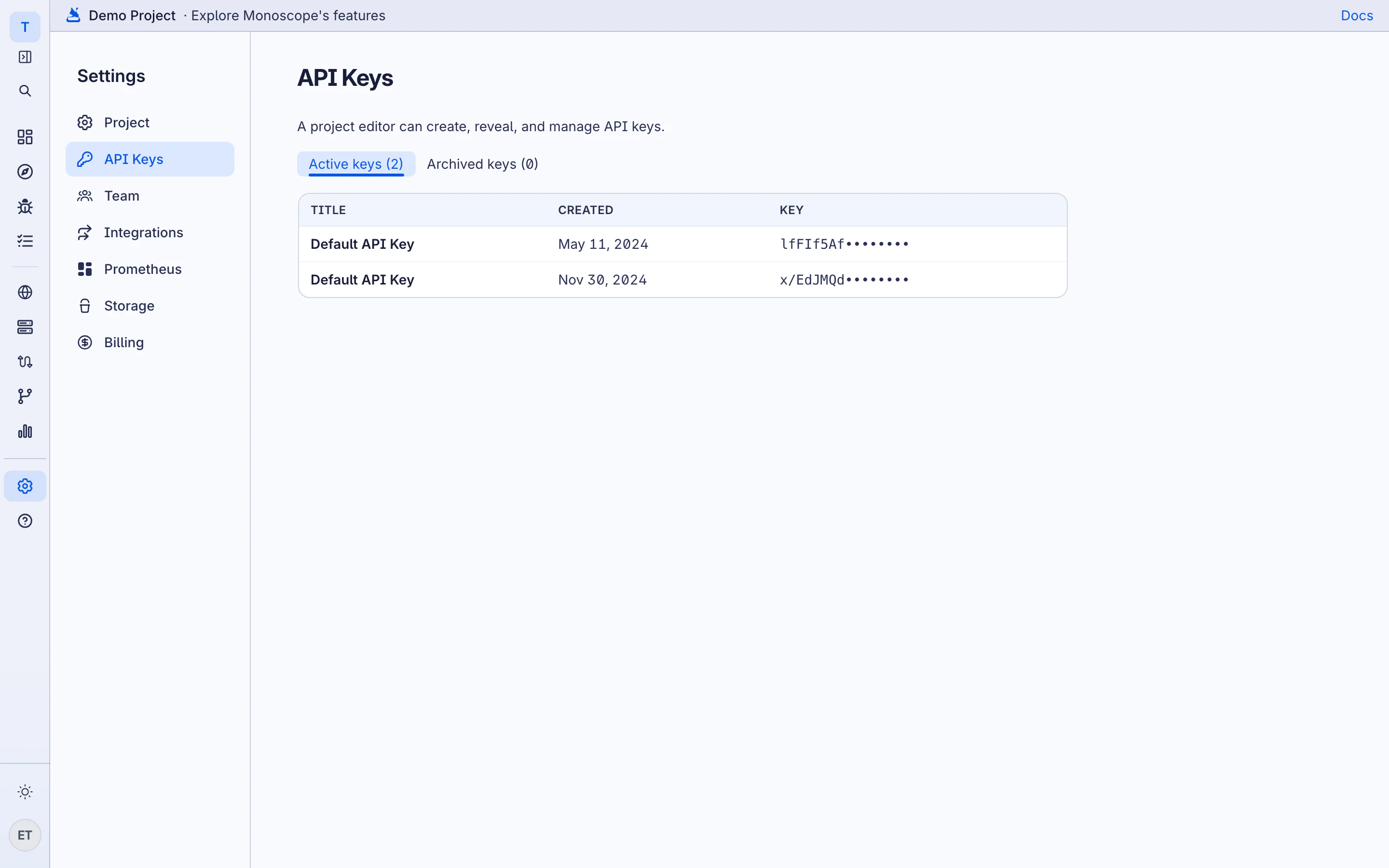
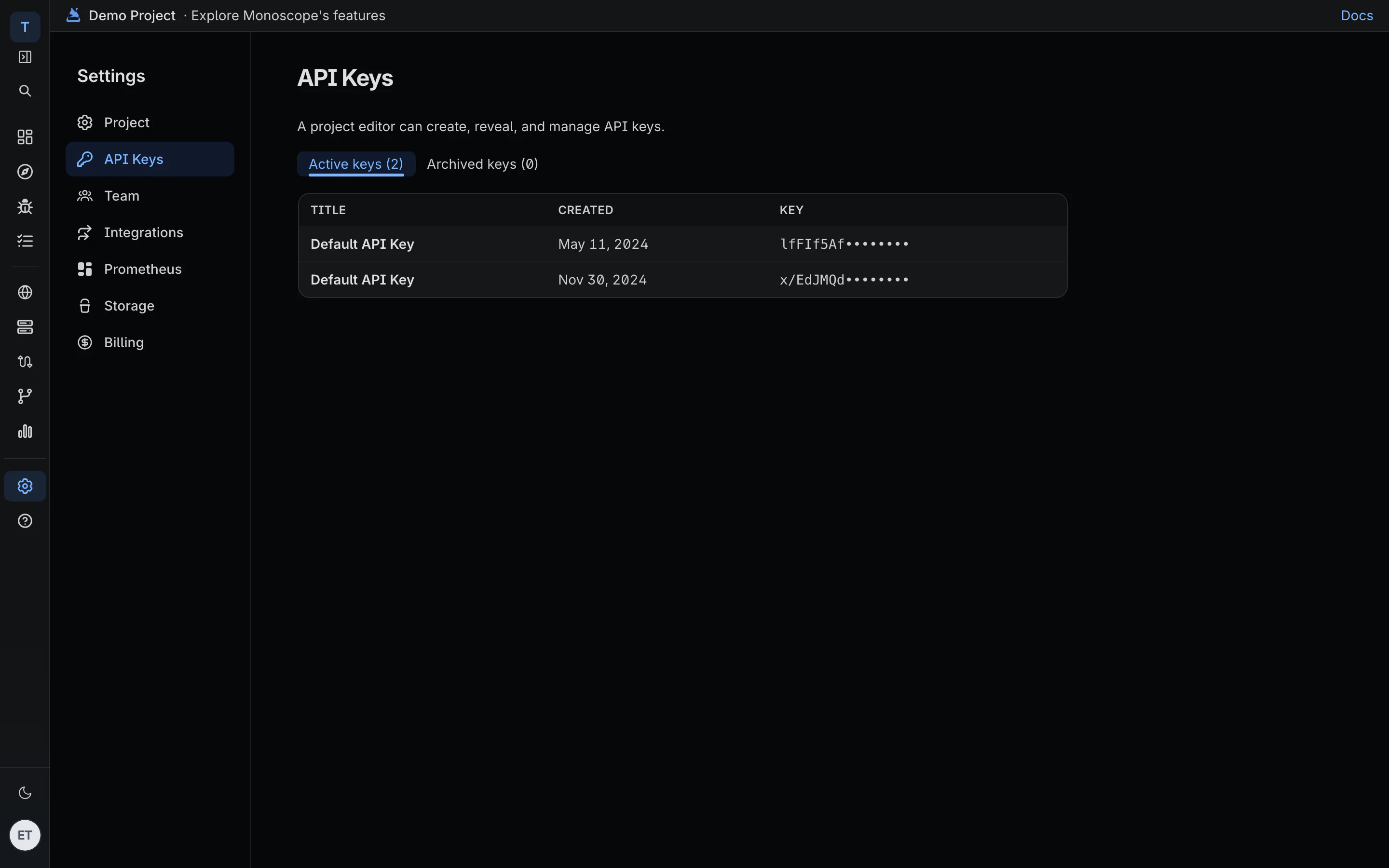
Use a different API key for each environment, for example development, staging and production. Then you can turn off one key without an effect on the others.
4. Connect Your Application
Select one of the two paths.
Install the monoscope skills for your agent:
# Claude Code
claude plugin marketplace add monoscope-tech/skills
claude plugin install monoscope-skills@monoscope-skills

# Cursor, Codex, Cline and other agents
npx skills add monoscope-tech/skills
Install the monoscope CLI and log in. The login opens your browser:
curl https://monoscopehq.com/install.sh | sh
monoscope auth login
Ask your agent to instrument the project. In Claude Code, run:
/monoscope-skills:instrument Add OpenTelemetry for monoscope to this project
The skill adds the OpenTelemetry SDK for your language. It covers HTTP, SQL, queues and background jobs. Then it uses the CLI to make sure that events arrive.
Set these four environment variables in your application. Replace YOUR_API_KEY with the key from step 3:
OTEL_EXPORTER_OTLP_ENDPOINT="http://otelcol.monoscope.tech:4317"
OTEL_EXPORTER_OTLP_PROTOCOL="grpc"
OTEL_SERVICE_NAME="orders-service"
OTEL_RESOURCE_ATTRIBUTES="x-api-key=YOUR_API_KEY"
Any OpenTelemetry SDK or collector reads these variables. To capture request and response bodies, add the monoscope SDK for your framework. Each guide shows the full setup:
5. Check That Events Arrive
Send a test event with the CLI. If you did not install the CLI in step 4, install it and log in first:
curl https://monoscopehq.com/install.sh | sh
monoscope auth login
monoscope send-event -m "Hello from monoscope"
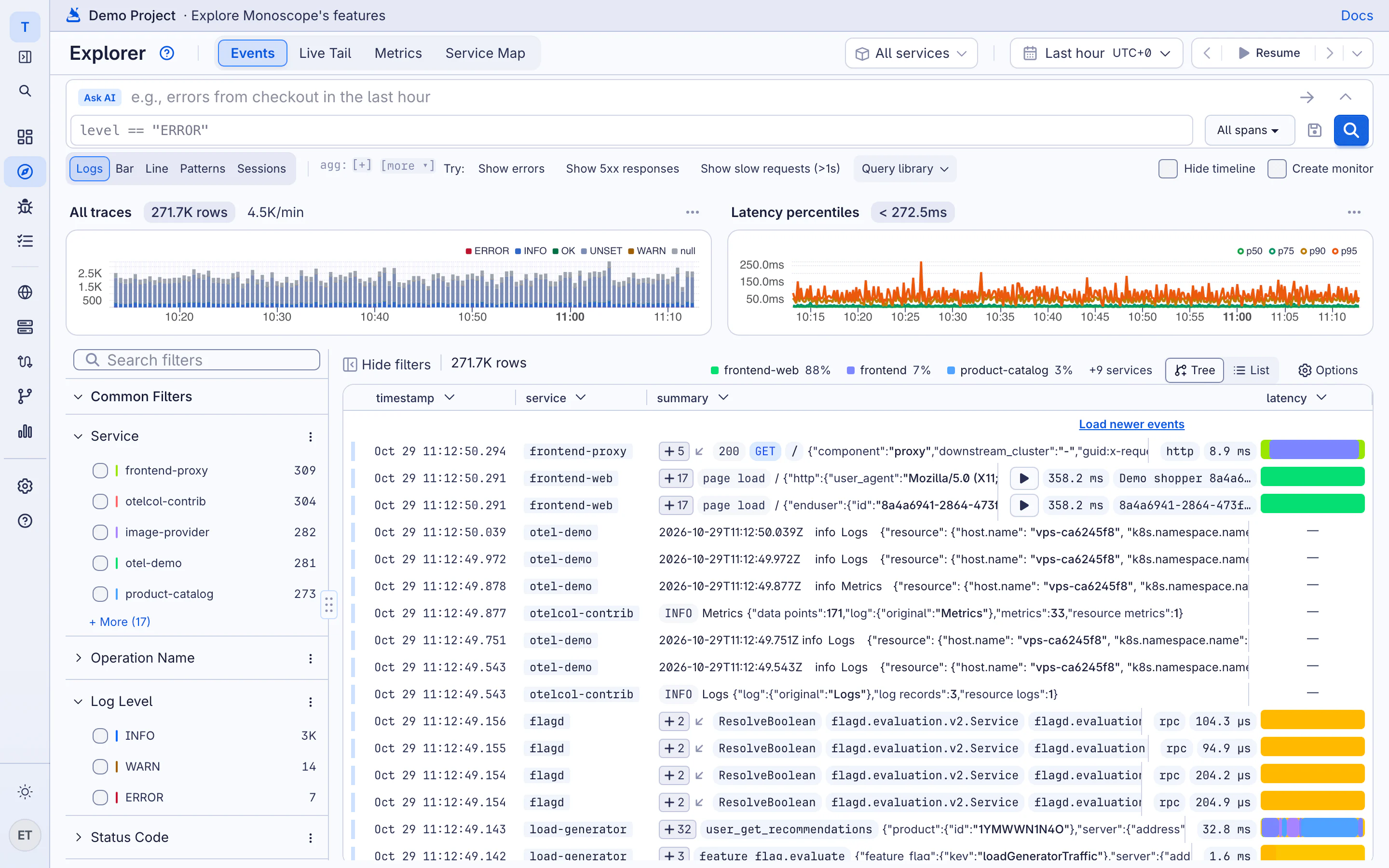
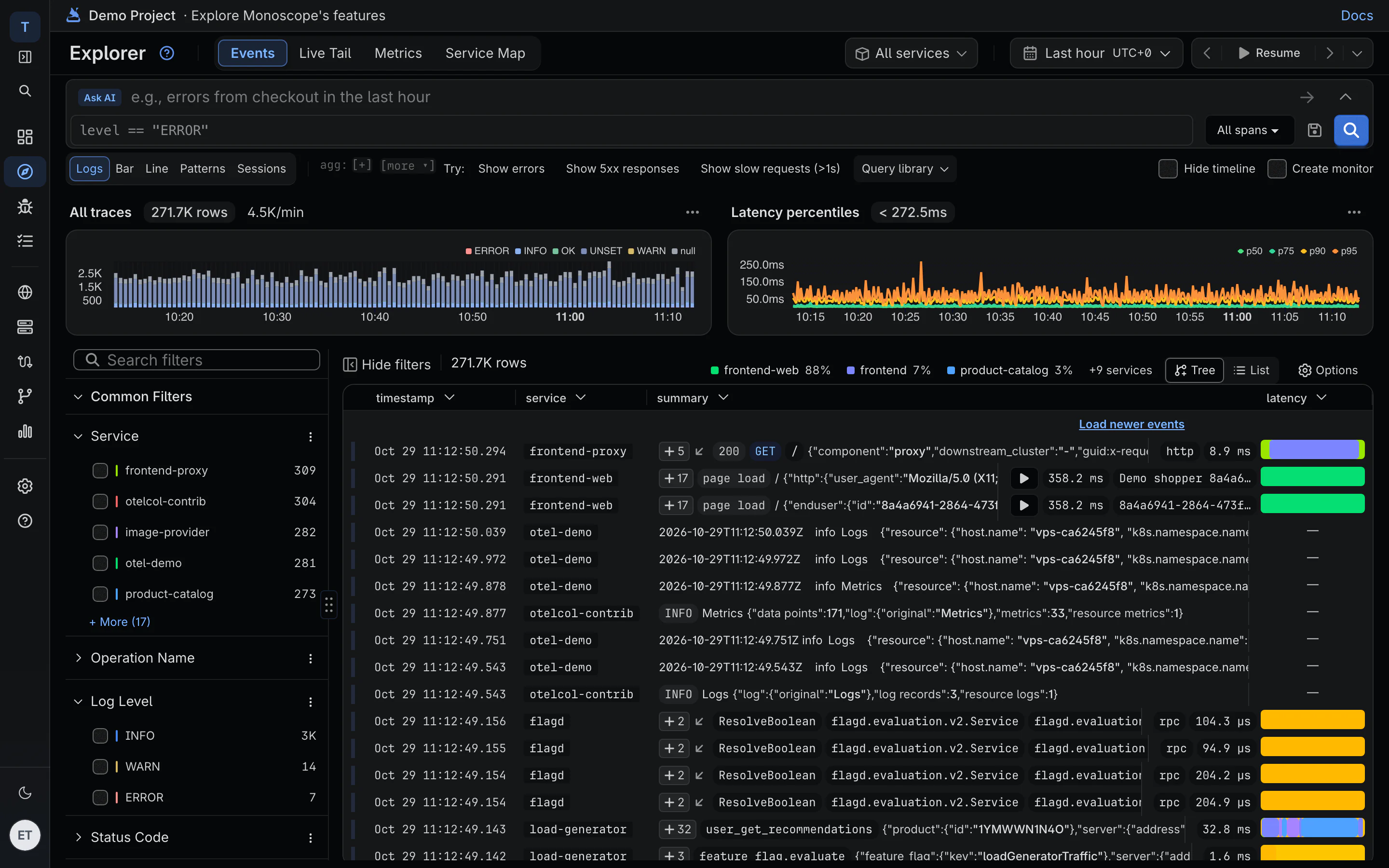
Open Log Explorer in monoscope and search for Hello from monoscope. The event shows in a few seconds. Then send some requests to your application. Its logs, traces and requests show in the same place.
To test the pipeline with more data, send synthetic traces:
monoscope telemetrygen --kind=trace --rate=5 --count=50 --service=my-service
| Command | Option | What it does |
|---|---|---|
send-event |
-m TEXT |
Message. Use it more than once to send a multi-line message. |
--kind log\|trace\|error |
Event type. The default is log. |
|
--level debug\|info\|warn\|error |
Severity. The default is info. |
|
--service NAME |
Service name. The default is monoscope-cli. |
|
-t KEY:VALUE, -e KEY:VALUE |
Tag and extra attributes. You can use each more than once. | |
-r KEY:VALUE |
Resource attribute, for example service.version:1.2.0. |
|
telemetrygen |
--kind trace\|log\|metric |
Telemetry type. The default is trace. |
--rate N |
Events per second. The default is 1. |
|
--count N |
Total events. Without it, the command runs until you stop it. | |
--service NAME |
Service name. The default is telemetrygen. |
If no events arrive after a minute:
-
Make sure that
OTEL_RESOURCE_ATTRIBUTEScontains your API key, with no spaces. -
Make sure that your network allows outgoing traffic to
otelcol.monoscope.techon port 4317 (gRPC) or 4318 (HTTP). -
Run
monoscope auth statusto see which project the CLI sends to.
Next Steps
Find Your Way Around
Log Explorer, issues, monitors, dashboards and the API catalog.CLI, Skills and MCP
Investigate production from your terminal, your coding agent or any MCP client.SDK Guides
Capture request and response bodies, redact fields and report errors.Need help with the setup? Email us and we will help you connect your stack.