Log management
Log management with the request behind every line
Collect, search and alert on logs from every service, at $1 per million events. Each line links to the request and trace that wrote it, so the AI SRE reads the payload.
01 · Context
Open the request behind any log line
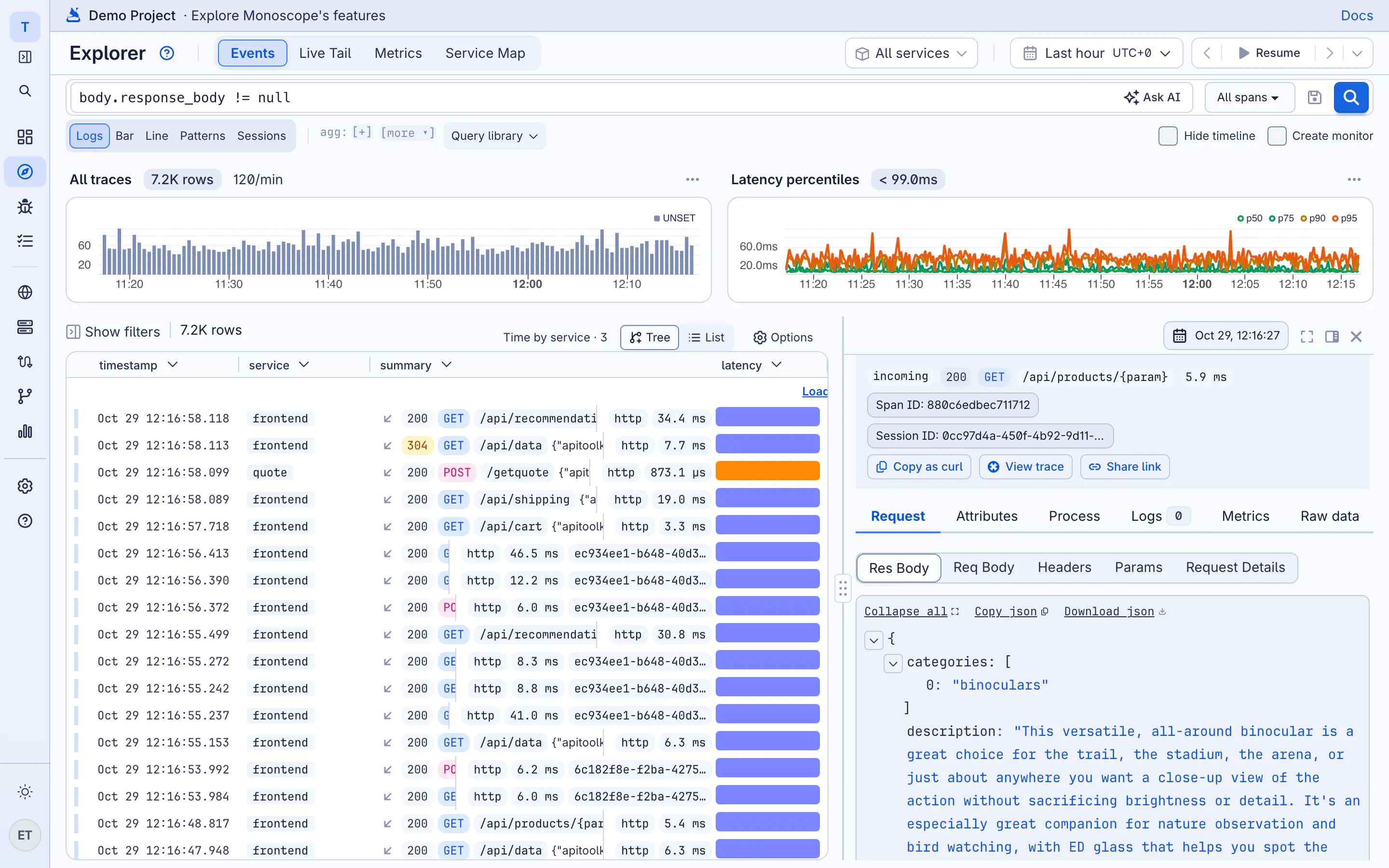
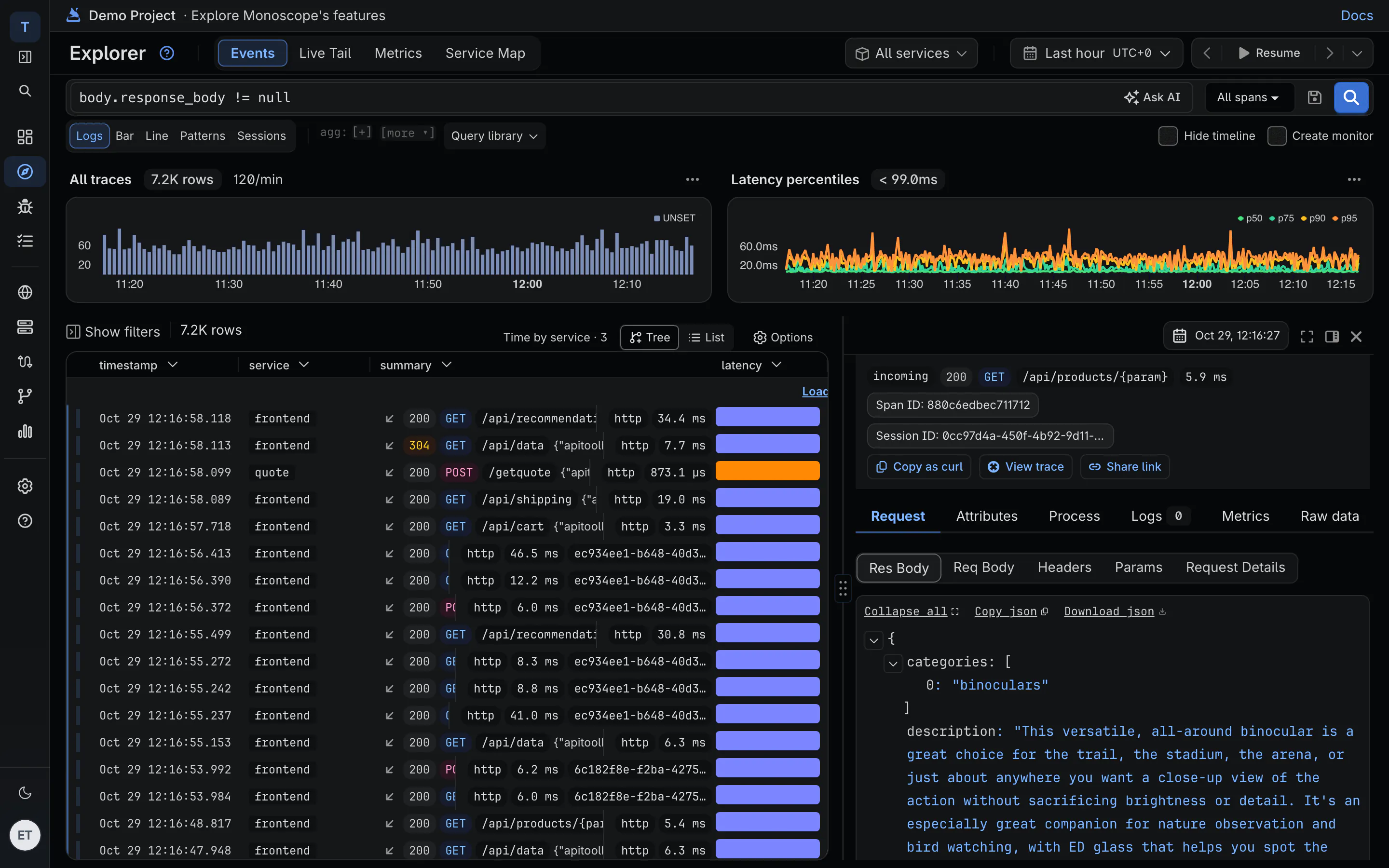
"payment failed for order 8812" tells you something broke. In monoscope the same row opens the request that wrote it: the headers and body your API received, the response it sent and the trace around it.
-
Logs joined to traces
Logs that carry a trace ID sit inside that trace, next to the span that wrote them and the database and supplier calls around it.
-
Request and response bodies
With our SDKs, the incoming request and every outgoing call keep their bodies. Bodies don't add to the price.
-
What the AI SRE reads
When an issue opens, the AI starts from those log lines, that request and that trace, so its write-up cites what happened.
02 · Log analysis
Ask in plain English, or write the query
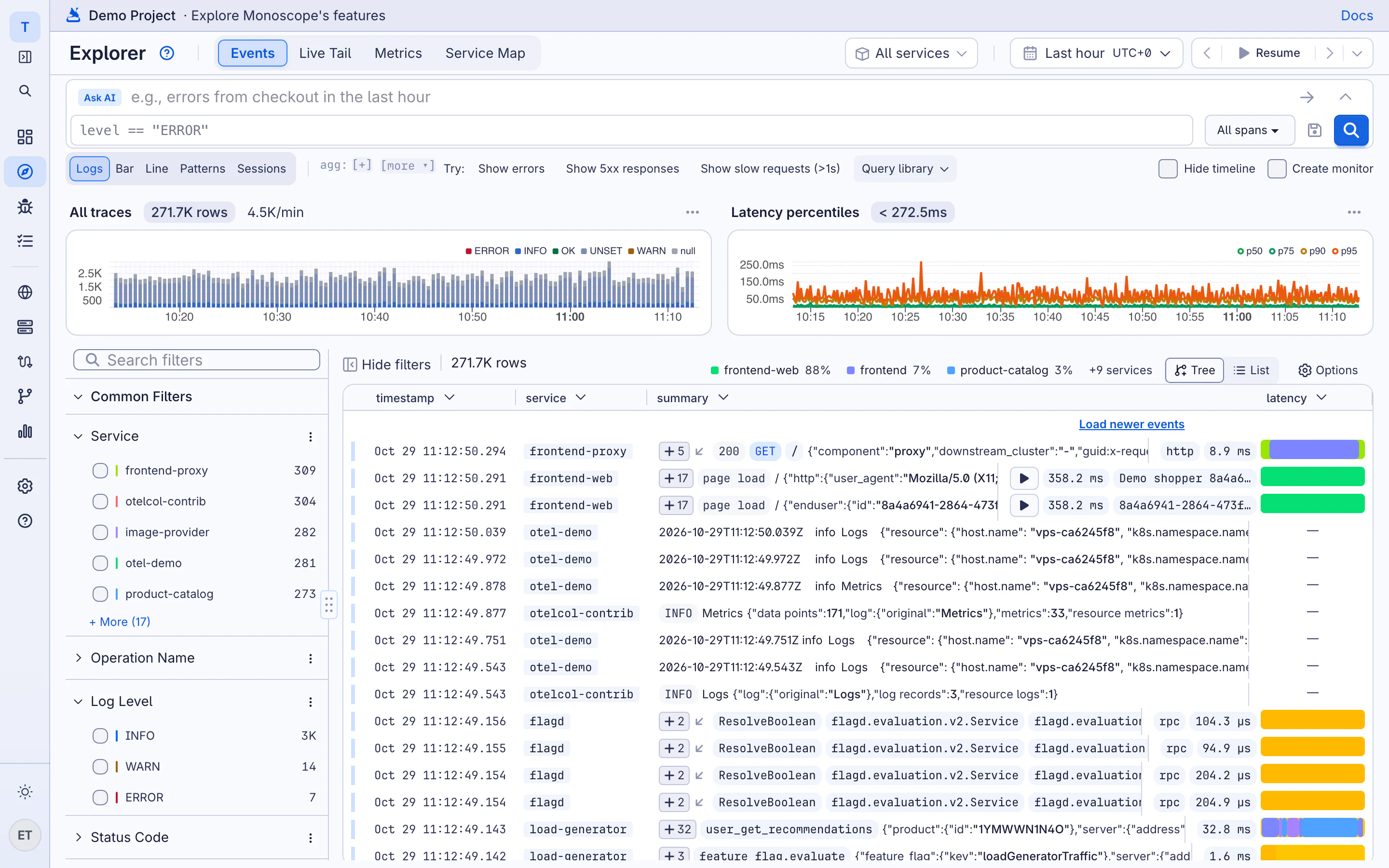
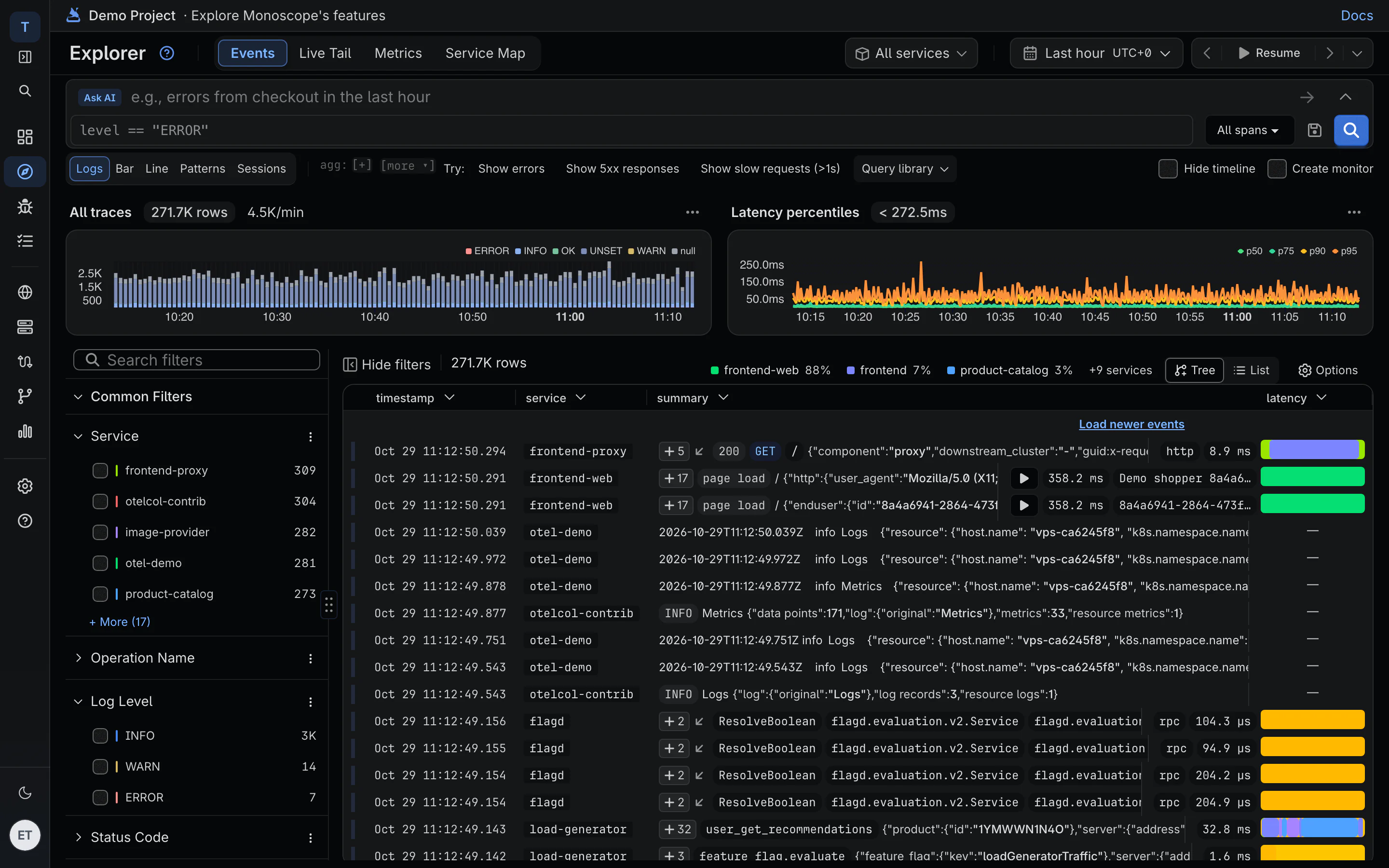
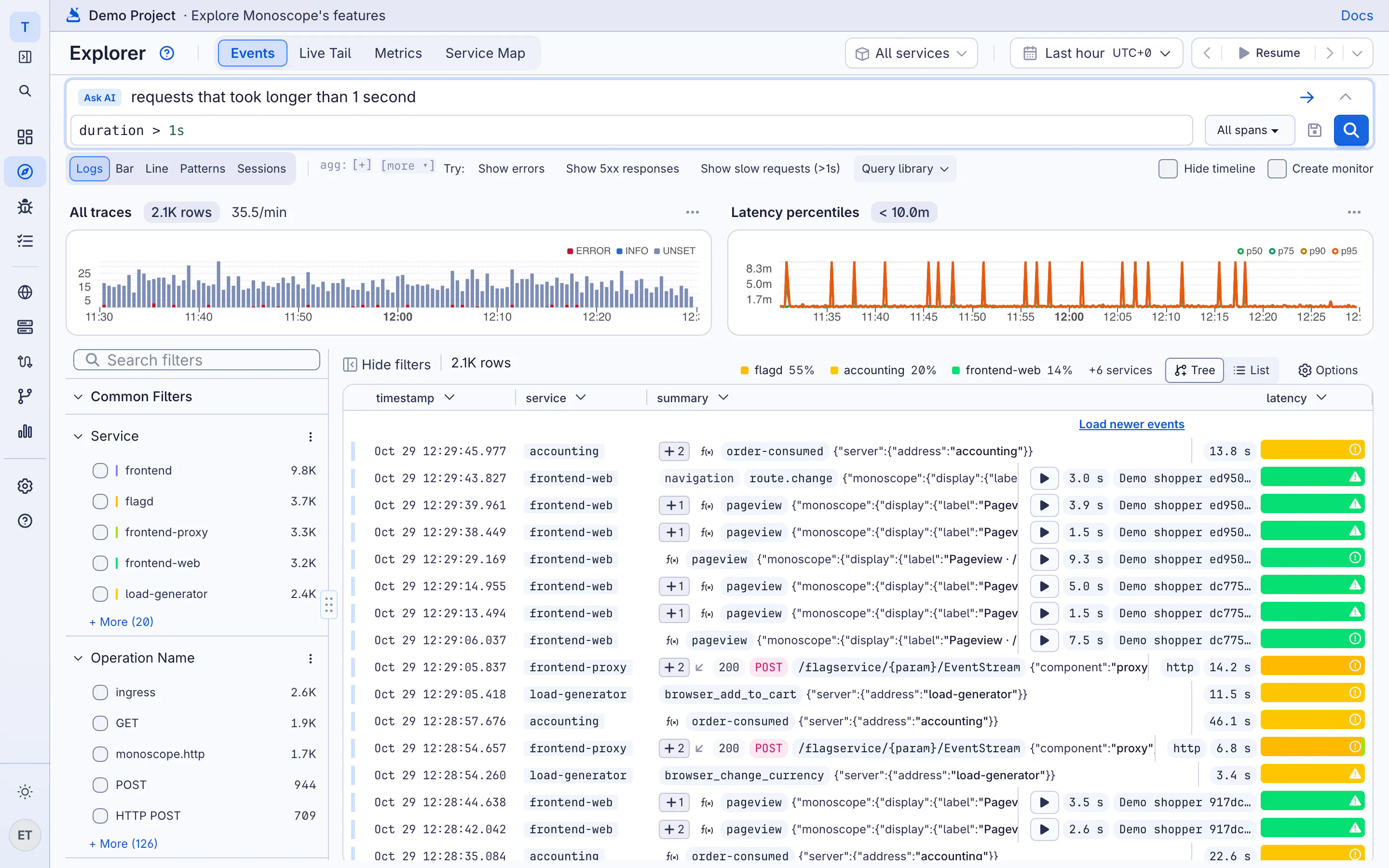
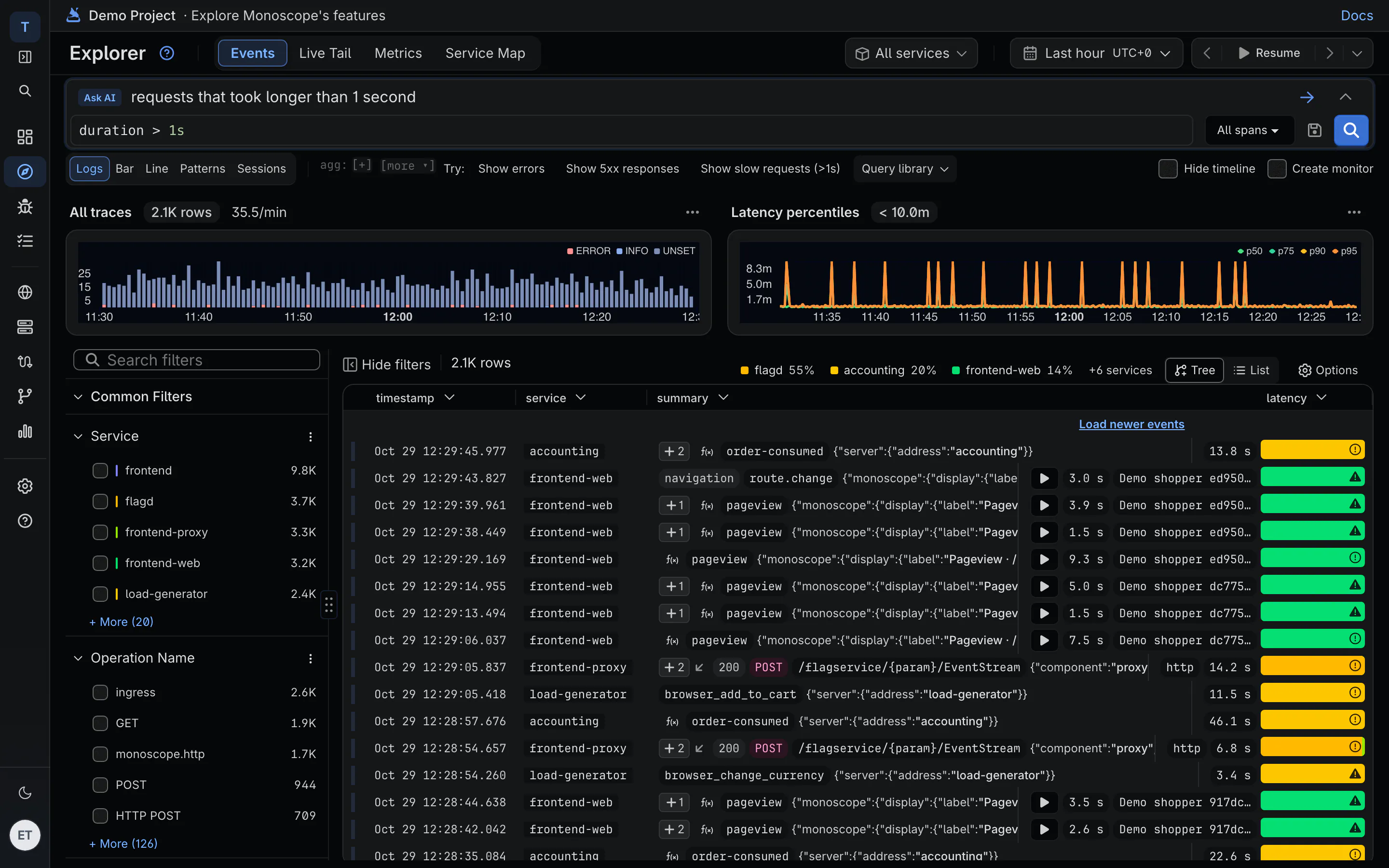
Type "requests that took longer than 1 second" and monoscope writes duration > 1s. Read it, change it, save it. Facets on service, level and status code show counts before you click.
KQL · error logs per service, last hour
spans
| where level == "ERROR" and timestamp >= ago(1h)
| summarize count() by resource.service.name
| sort by count_ desc
-
Patterns, not 40,000 lines
Similar lines are grouped into patterns with a count, so the one that's new stands out.
-
Live tail
Stream new logs as they arrive, filtered by the query you're already running.
-
One query everywhere
The same KQL runs in the Explorer, dashboards, monitors, the CLI and the MCP server.
03 · Log monitoring
New patterns and spikes open an issue
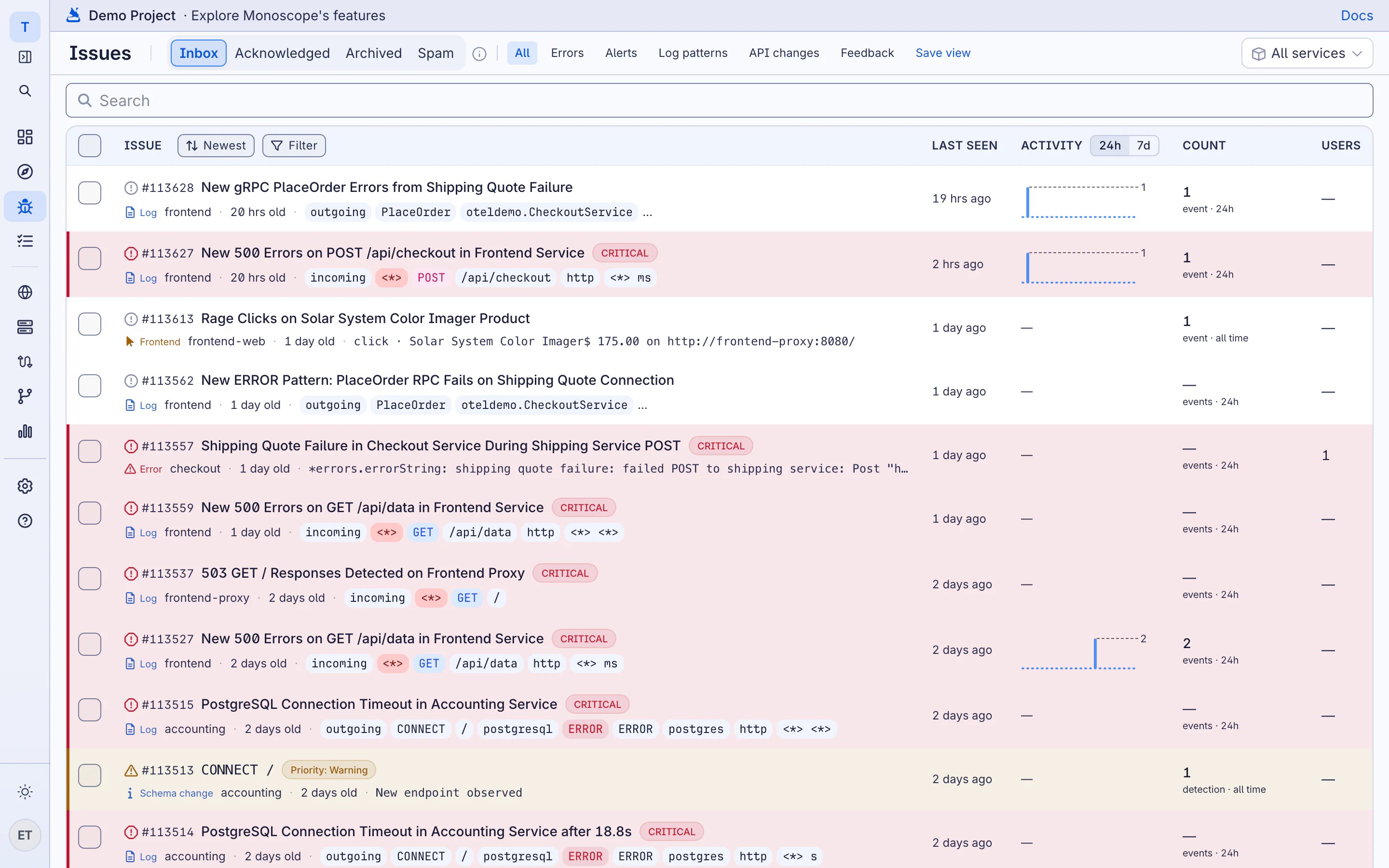
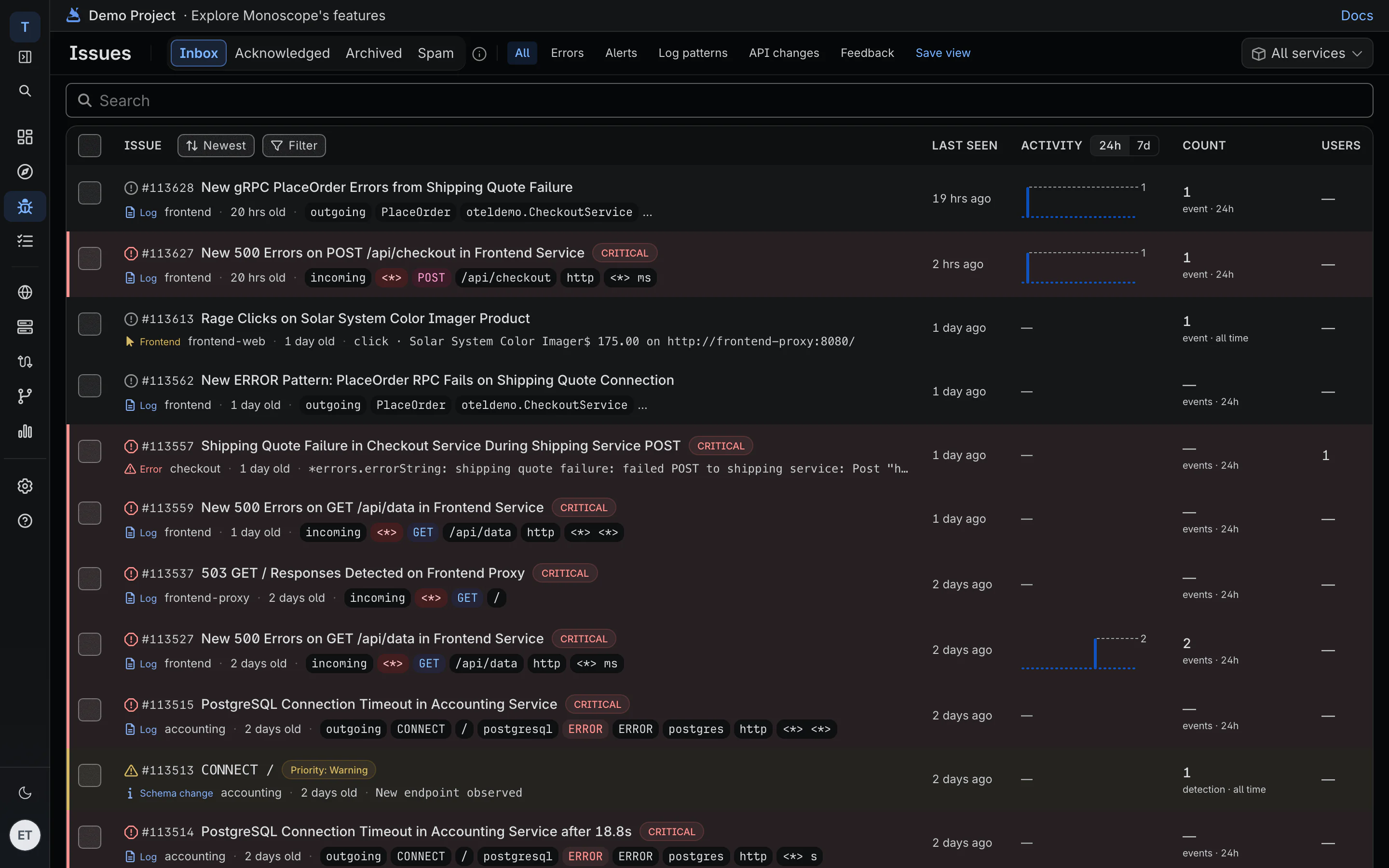
You don't have to know which log line to alert on. A message pattern monoscope hasn't seen before, or one whose rate jumps against its baseline, becomes an issue with example lines and the requests behind them.
-
No rules to start
New patterns and rate changes are detected from your traffic, per service.
-
Monitors on any log query
Add thresholds to any query and route alerts to Slack, Discord, PagerDuty, WhatsApp or email.
-
Noise, found for you
The Noisy log sources routine ranks the services and messages producing the most avoidable volume, with the log-level changes to make.
04 · Centralized logging
Every service, host and pod, through OpenTelemetry
Send logs from any OpenTelemetry SDK, or point a collector at your log files, Kubernetes pods and syslog. There's no proprietary agent to install.
-
Application logs
Our SDKs for Node.js, Python, Go, PHP, Java, .NET and Elixir, or any OpenTelemetry SDK.
-
Files, pods and syslog
The collector's filelog receiver reads /var/log, Kubernetes pod logs and nginx or Apache access logs.
-
Priced per event
Free for 10k events a day. Cloud is $29 a month for 20M events, then $1 per million, with 30 days of retention.
Questions
What counts as an event?
One log line, one span or one API request is one event, whatever its size. Request and response bodies don't count extra.
Do I need your SDK to send logs?
No. Any OpenTelemetry SDK or collector works. Our SDKs add request and response bodies and redact the fields you list before anything leaves your app.
Can it replace our ELK stack or Splunk?
For application and infrastructure logs, yes: search, patterns, dashboards, monitors and live tail. Run both side by side for a week or two first, and we'll help move your saved searches and alerts.
Is every log kept?
On Cloud, every log you send is kept for 30 days. The free plan covers 10k events a day.
Can I self-host it?
Yes. monoscope is open source under AGPL, and you can run it on your own servers.