

API Keys
An API key connects your services to one monoscope project. Your SDKs and the OpenTelemetry Collector send it with the telemetry, and the CLI, the MCP server and the REST API use it to authenticate. Open Settings → API Keys.
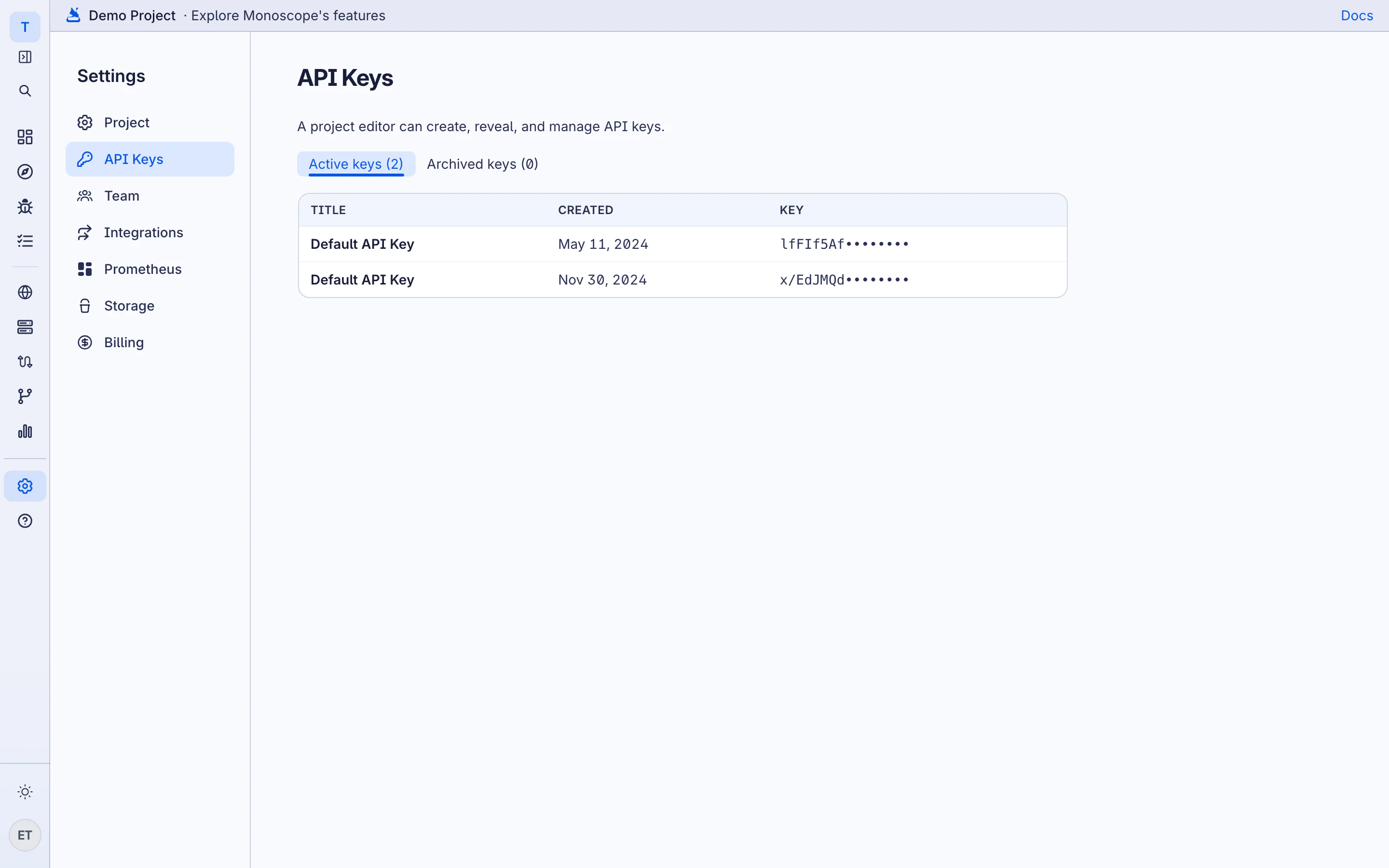
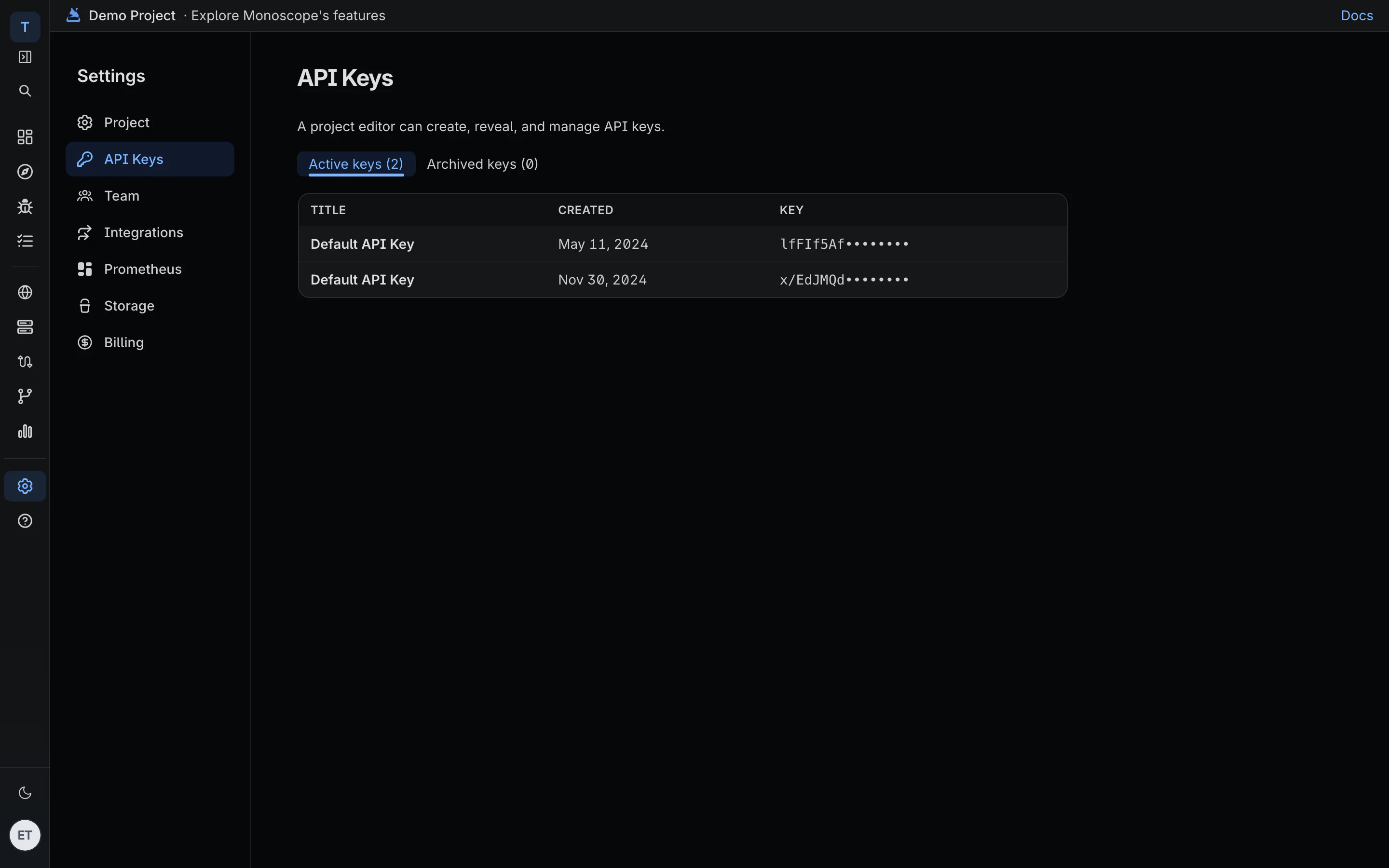
A project editor or admin can create, reveal and manage API keys.
Create a Key
- Click New Key.
-
Enter a Key title that says where the key is used, for example
checkout-production. - Click Create key.
- Click Copy key and put the key in your service configuration.
Use a different key for each service or environment. Then you can revoke one key without stopping the others.
Revoke a Key
monoscope rejects telemetry sent with a revoked key. Before you revoke a key, replace it in every service that uses it.
Click Revoke key next to the key, then confirm. Revoked keys move to Archived keys. To use a revoked key again, open Archived keys and click Activate key.