

AI SRE
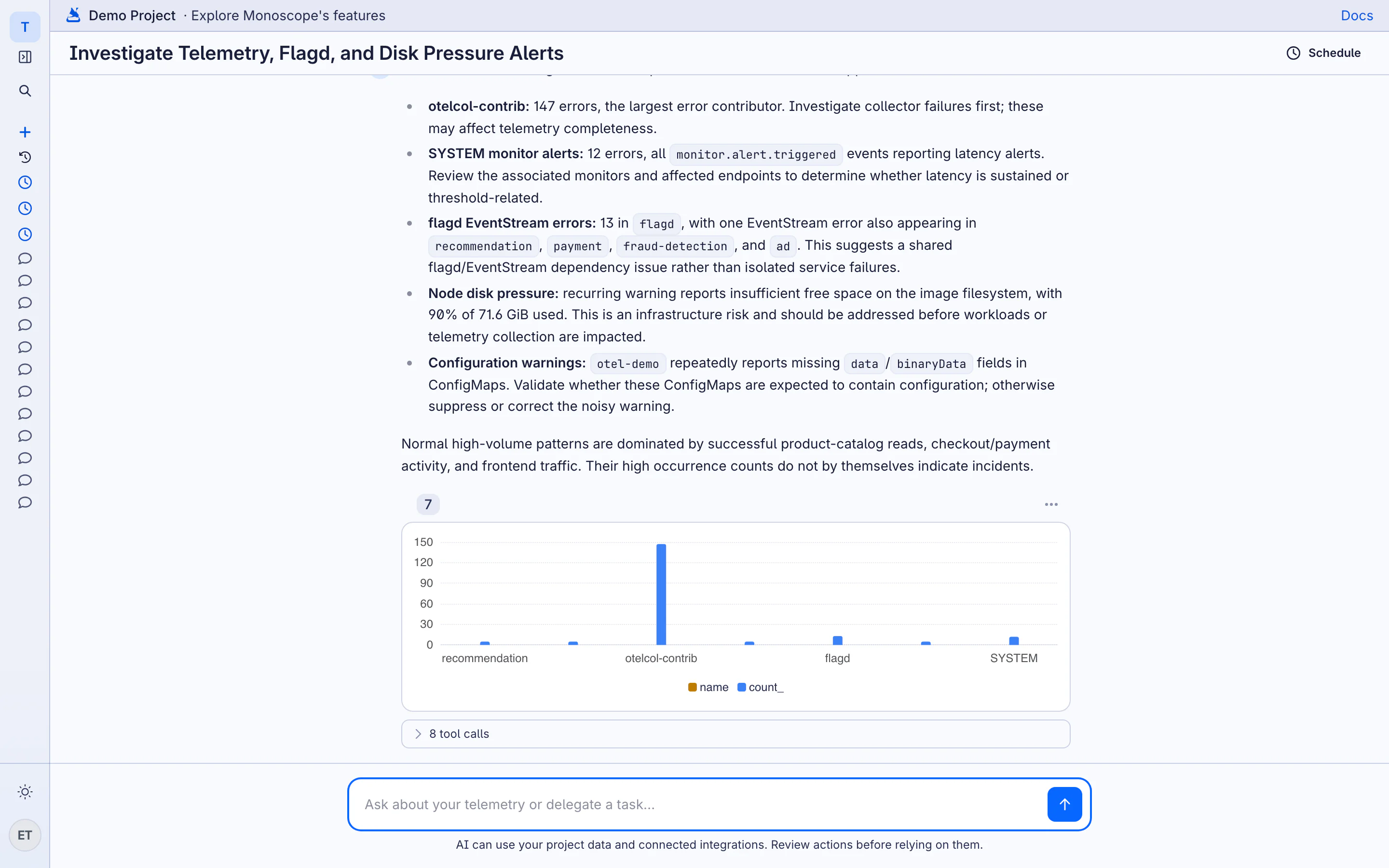
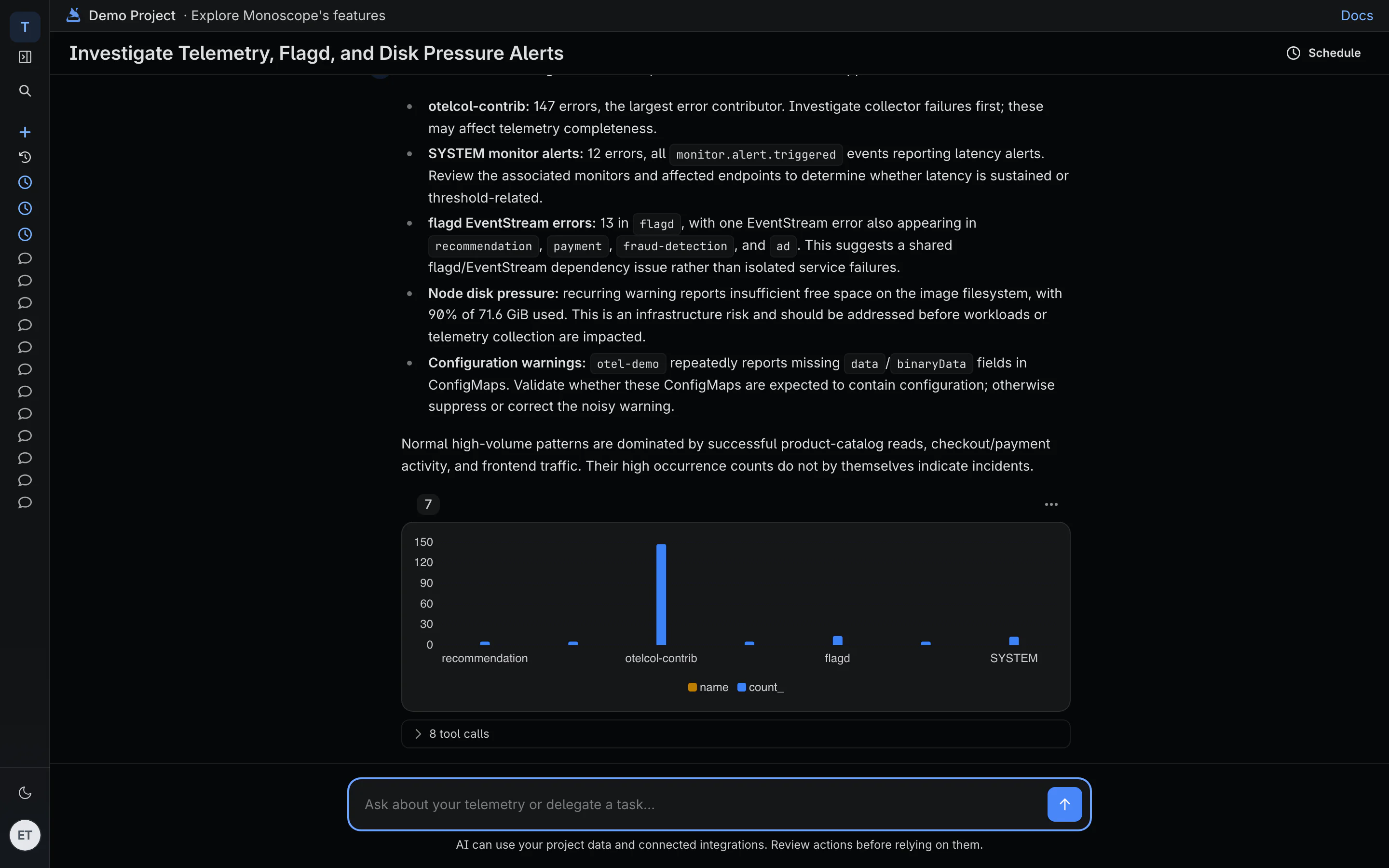
monoscope AI investigates your project for you. Ask it a question in plain English. It runs queries on your logs, traces and metrics, reads your issues, monitors and dashboards, and answers with the evidence: the queries it ran, the charts, and the events that support each claim.
Start an Investigation
You can ask monoscope AI from several places:
-
Agents view of the sidebar: click New chat and type a question, for example
Why did checkout errors go up after 14:00?. - Issues: on an issue page, click Investigate to ask about this issue, or Plan a fix to get a step-by-step fix plan. See Issues.
- Explorer: type a request in the Ask AI box. The AI writes the query for you. See Explorer.
-
Command palette: press
⌘Kand type a question. - Slack, Discord and WhatsApp: ask the monoscope app in a channel. Connect it first on the Integrations page.
Each investigation is saved as a conversation. Open Conversations in the Agents view to see them, grouped by Today, This week and Older.
What the AI Can Do
The AI uses the same data that you see in the app:
- Run queries on logs, spans and metrics, and draw charts of the results.
- Read issues, monitors, dashboards, endpoints, log patterns and incidents.
- Read recent deployments, to compare behavior before and after a release.
- Read your code, if you connect a repository (see below).
- Post results to Slack.
Expand tool calls under an answer to see each query the AI ran. Use the answer as a starting point, and check the evidence before you act on it.
AI usage is tracked and billed at your project rate. See pricing.
Turn a Question into a Routine
If you ask the same question every day, schedule it. Click Schedule at the top of a conversation, or select Make daily routine. The AI then runs the prompt on a schedule and posts the result. See Routines.
Connect Your Code
Open Repositories in the sidebar to connect the repositories behind your services. You can connect GitHub with the GitHub App, or GitHub, GitLab, Bitbucket and Gitea with an access token. Then link each service to its repository.
When a repository is connected:
- Source context: the AI and the issue page read the failing code from the paths in a stack trace.
- Automatic pull request reviews: monoscope comments on GitHub pull requests with the production telemetry of the code they change. This needs the GitHub App.
- Configuration sync: dashboards can be kept as YAML files in the repository. See Dashboards as code.
Use the AI from Your Coding Agent
To give Claude Code, Cursor or another coding agent the same access to your telemetry, use the CLI and skills or the MCP server.